3D Model — Panel Analysis

Tool Interface — GH Input Panel
An in-house Grasshopper tool for preliminary facade consultancy — analysing 3D models in terms of panelization, curvature, area, and dimensions, with Excel export for downstream use.
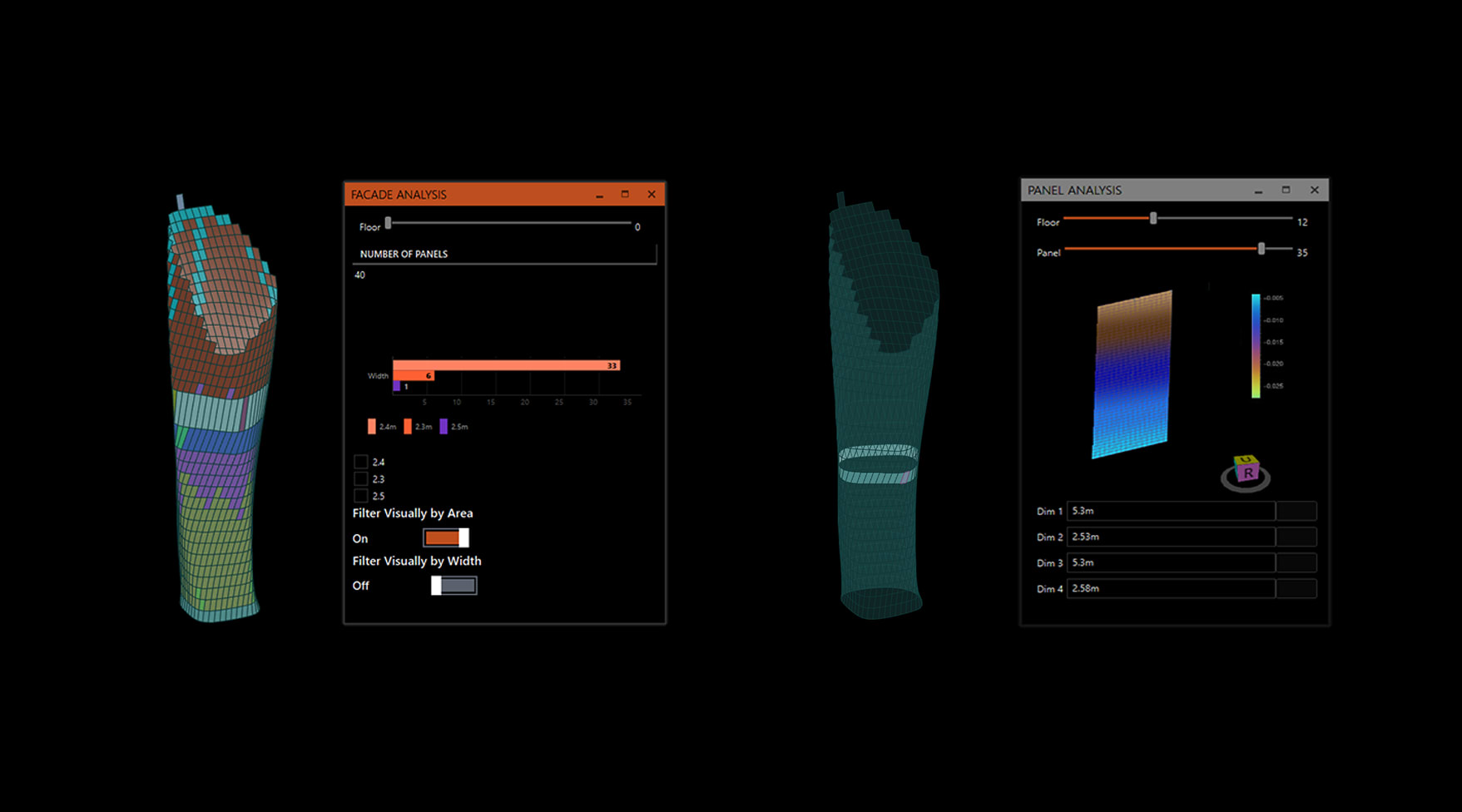
At the concept stage of the design process, as a preliminary facade consultancy task, this tool was developed for basic 3D model analysis and optimisation. The in-house tool allows architects and facade consultants to navigate through the 3D generated model and derive key elements and observations — analysing facade types, panelization, areas, dimensions, and curvature.
The tool acts as a design exploration aid. It reports data and allows for recommendations of facade optimisation if requested. Built in Rhino and Grasshopper, it exports panel triangulation data to Excel — including panel name, neighbouring panels, angles, and dimensions.
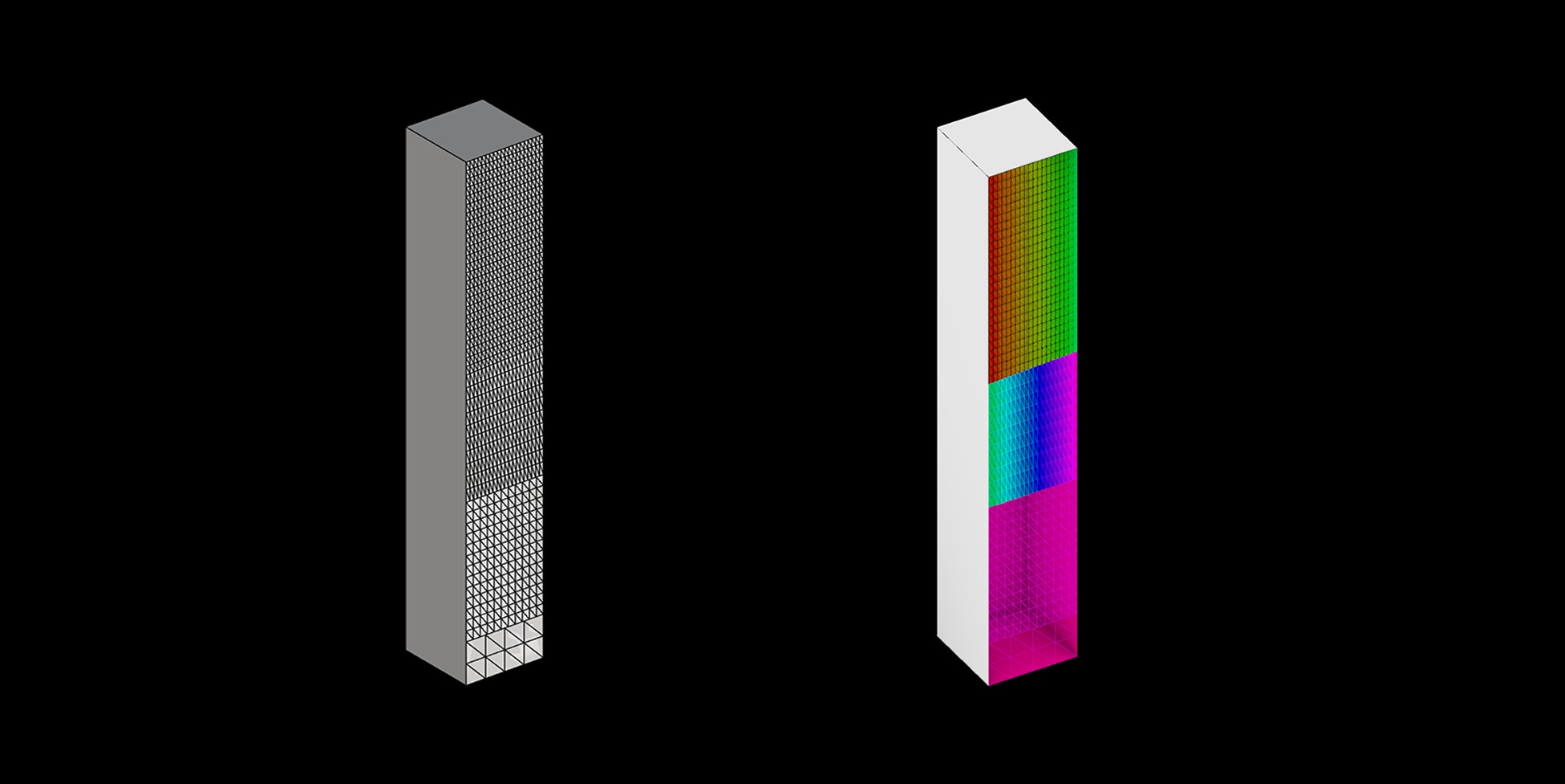
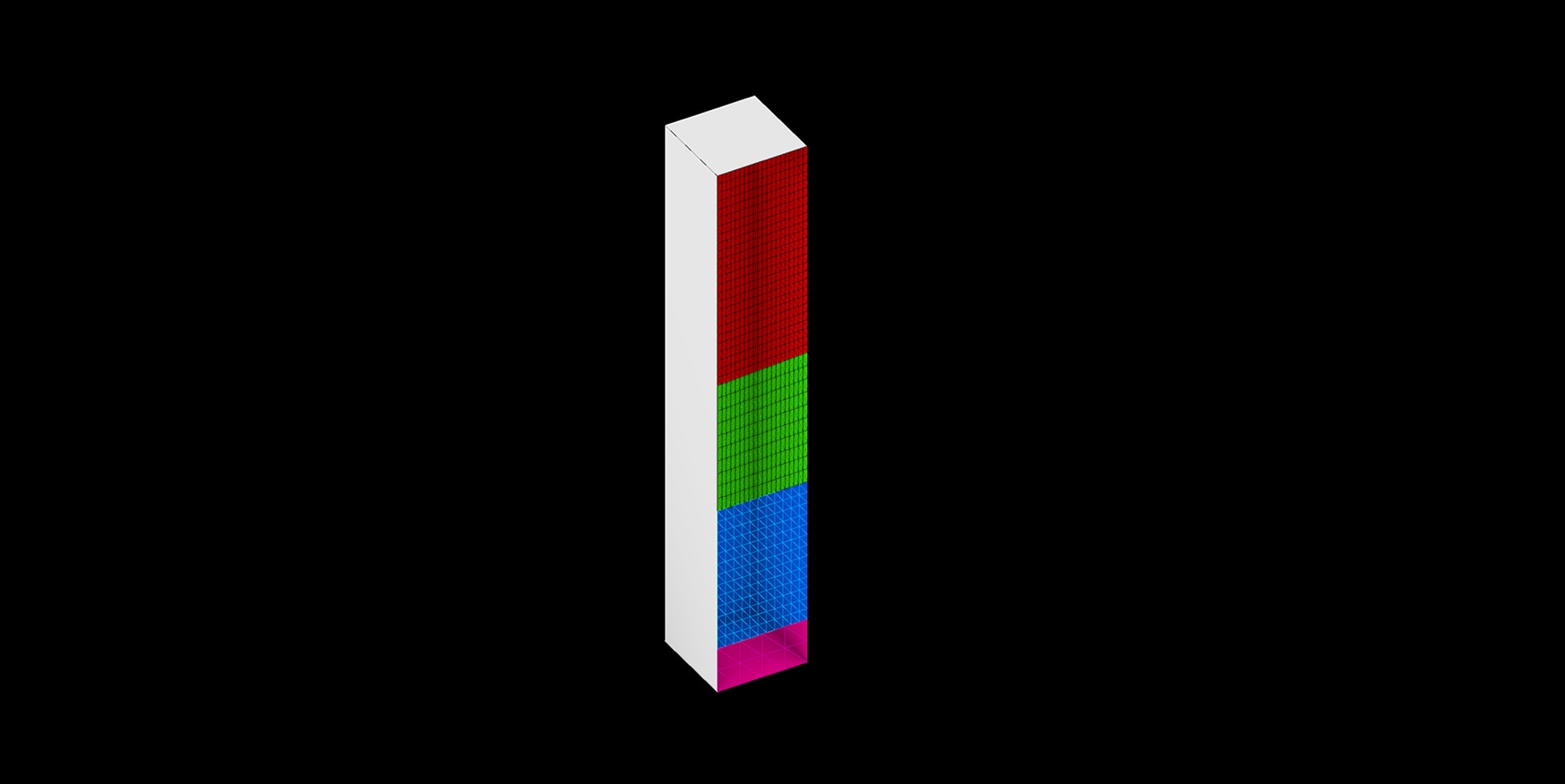
The tool provides four distinct analysis and visualisation modes. Sorting by area assigns a colour gradient to each panel based on its surface area — immediately revealing the largest and smallest panels across the facade. Sorting by width filters the view to show dimensional distribution across the panelization. Curvature analysis colour-codes panels by their degree of curvature, distinguishing flat, single-curved, and twisted panels. The filter level slider controls the threshold for each view.
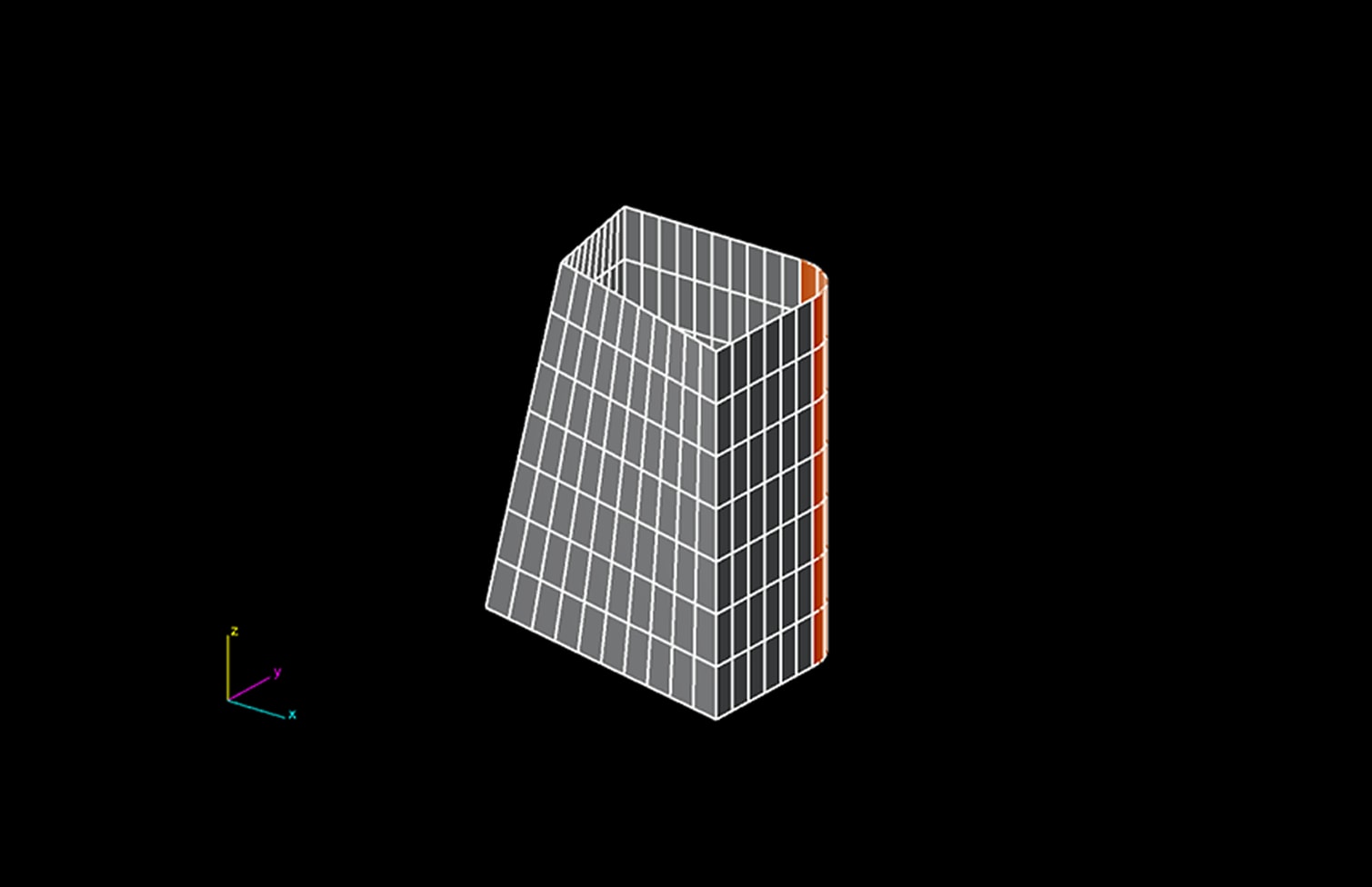
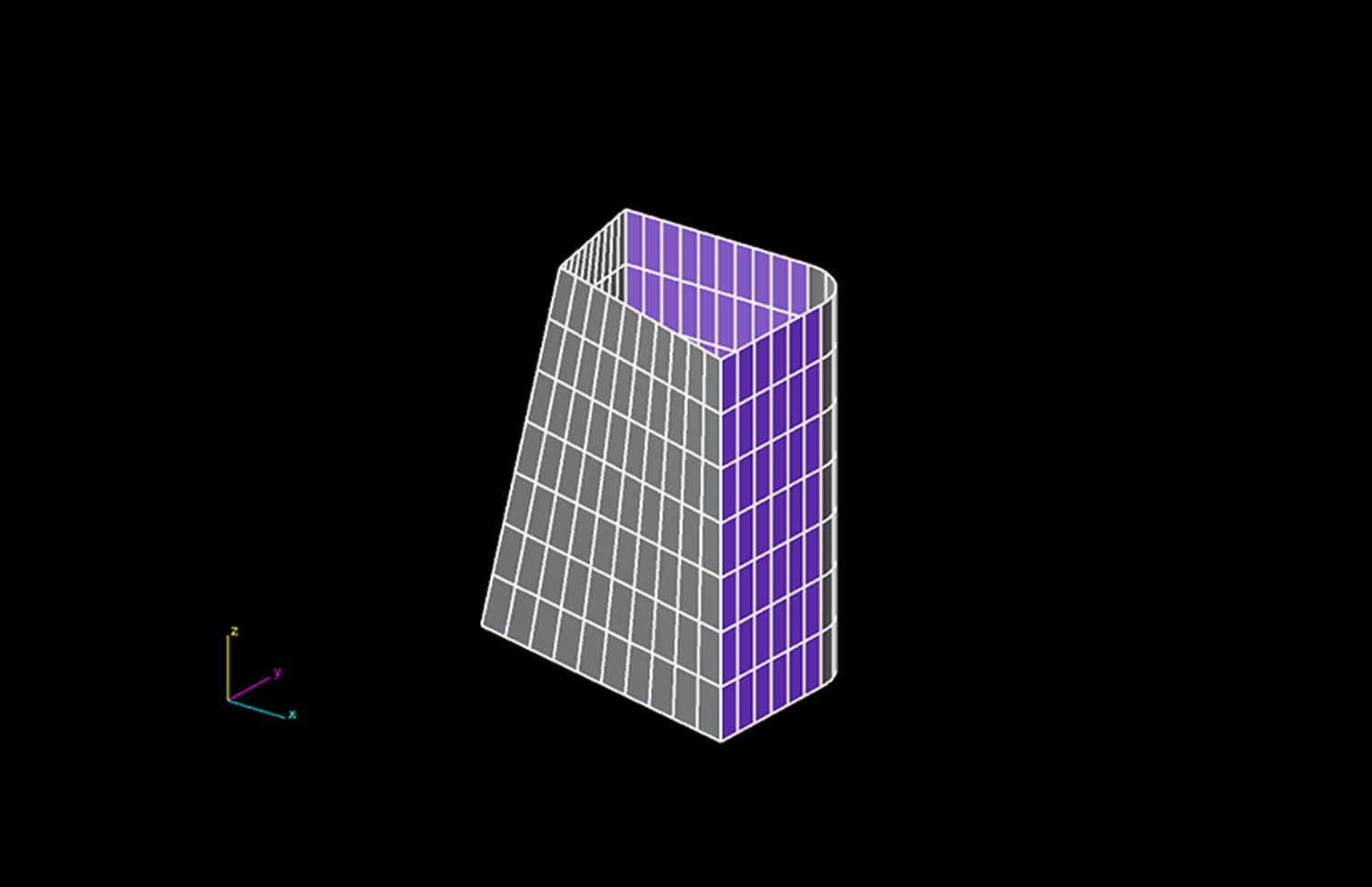

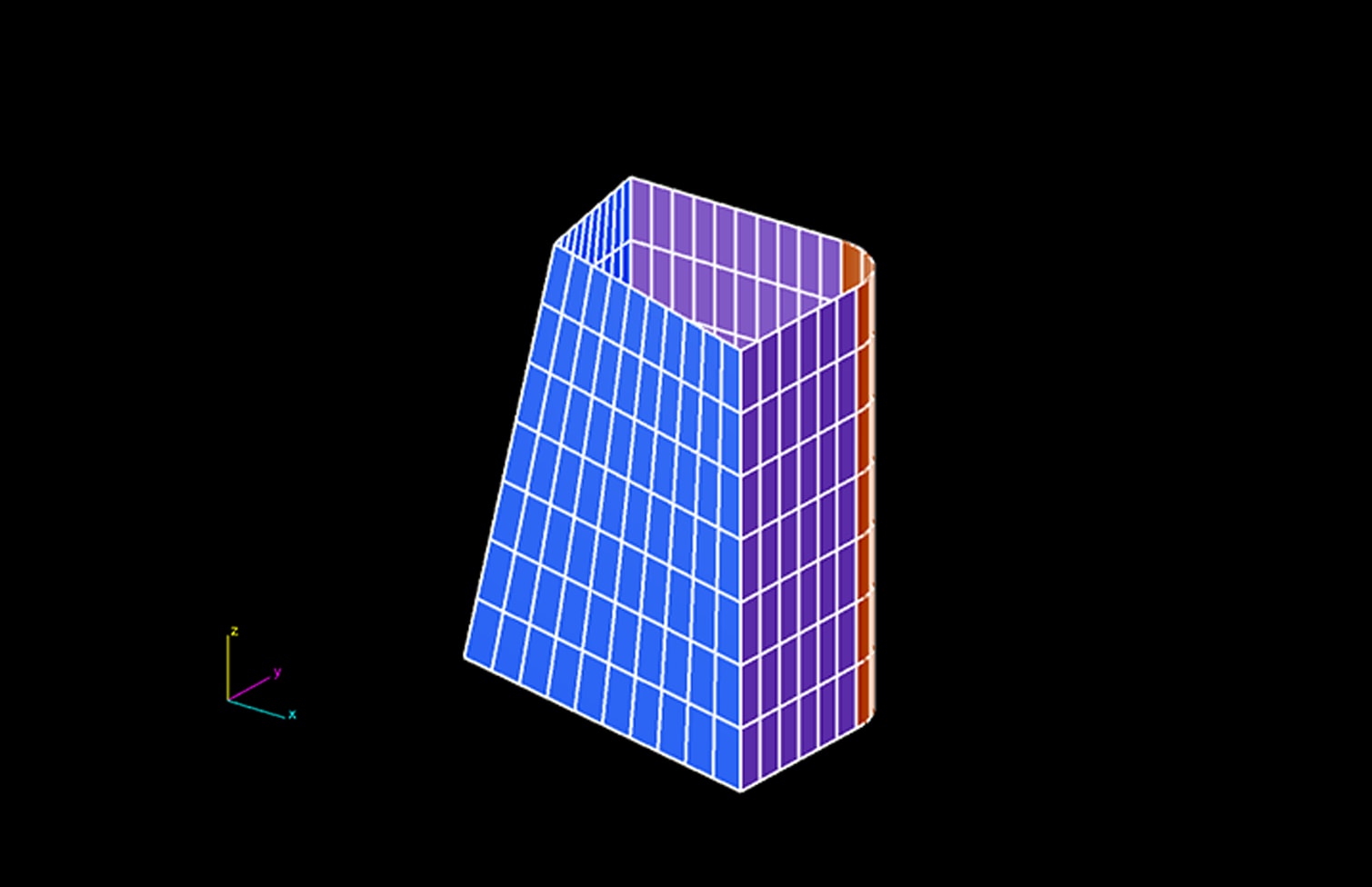
The filtration workflow takes the raw input mesh through a series of optimisation stages: non-optimised baseline → sort by width → sort by height → optimised panels. Each stage refines the panelization to reduce unique types and improve fabrication efficiency. After analysis and optimisation, the full panel schedule is exported to Excel including panel triangulation data with all geometric attributes.