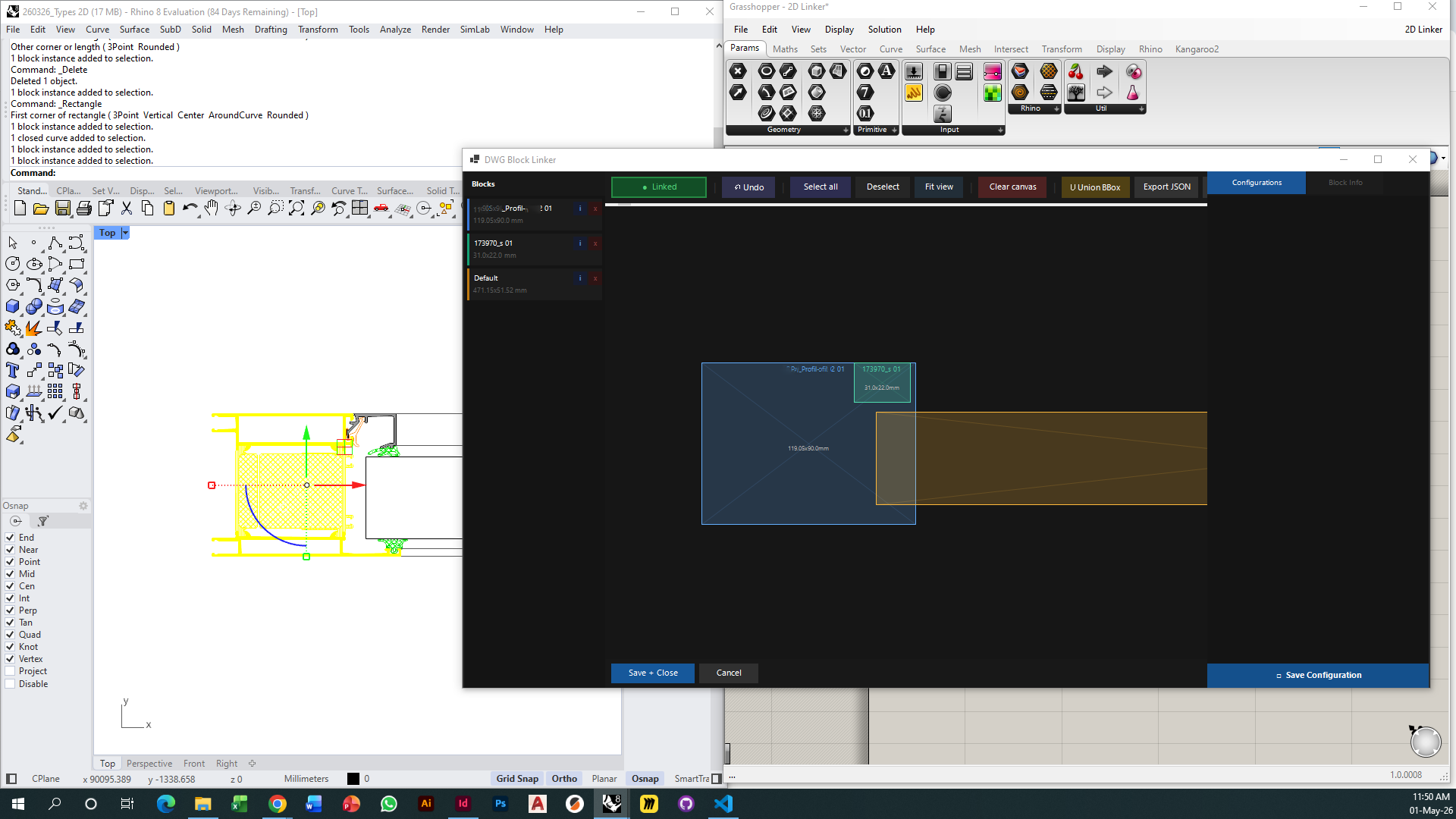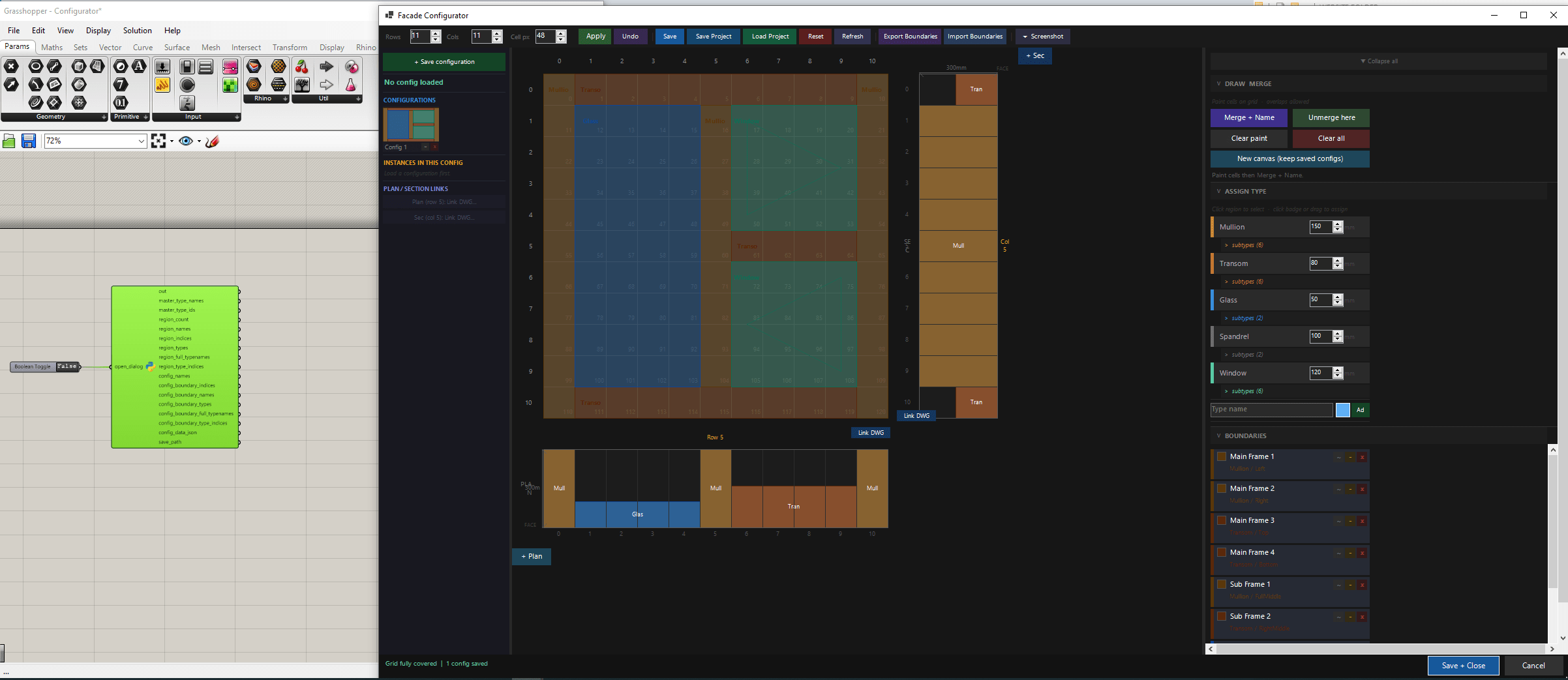
Main Grid Canvas — GH Interface
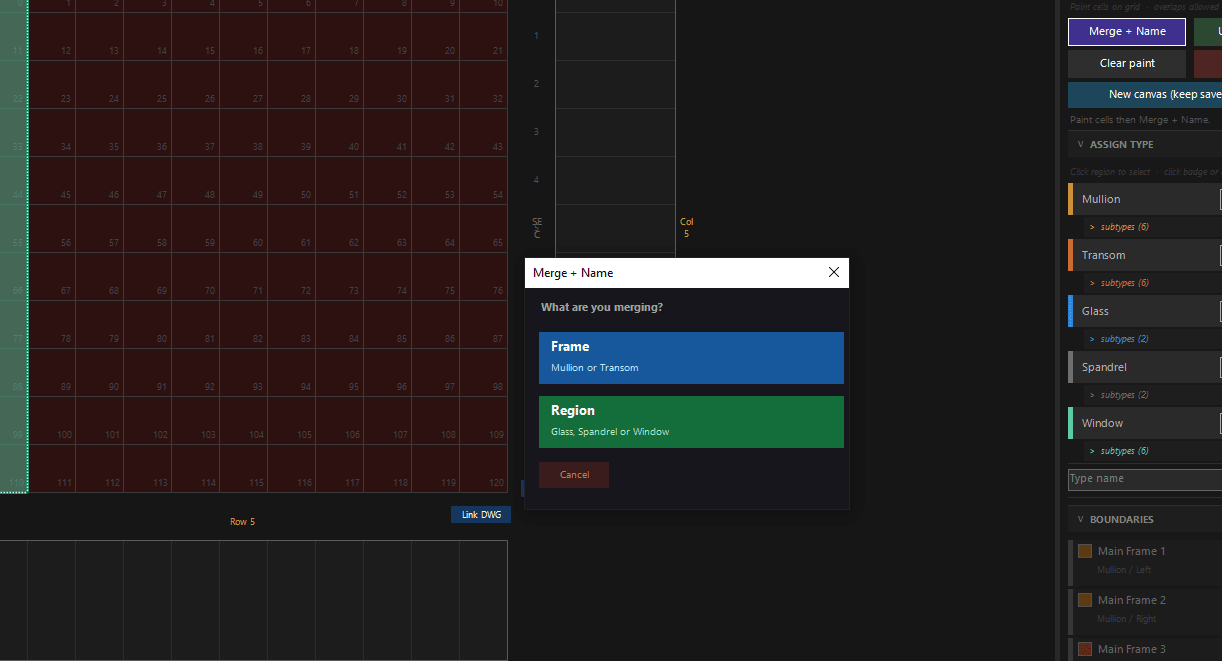
Boundary Type Hierarchy
A domain-specific design tool built inside Grasshopper — classifying, configuring, and documenting facade assemblies at a component level in a way that is both visually intuitive and data-rich. Developed with Claude AI.
General-purpose parametric software doesn't solve one specific problem well: the need to classify, configure, and document facade assemblies at a component level — visually intuitive and data-rich at the same time. The Facade Configurator addresses this gap directly.
It provides a grid-based canvas where boundary regions are painted, merged, and classified through a guided hierarchy. An add-on tool connects these configurations to a 2D DWG block drawing. The tool outputs structured data to Grasshopper — including a fully grouped JSON dictionary per configuration — bridging schematic facade layout and detailed component documentation.
The tool allows for the user to add different sections and plans at different locations.
After creating the first configuration, the boundaries generated are saved in a library. The user can use the same boundaries for different new configurations. These can be loaded and saved as JSON files.
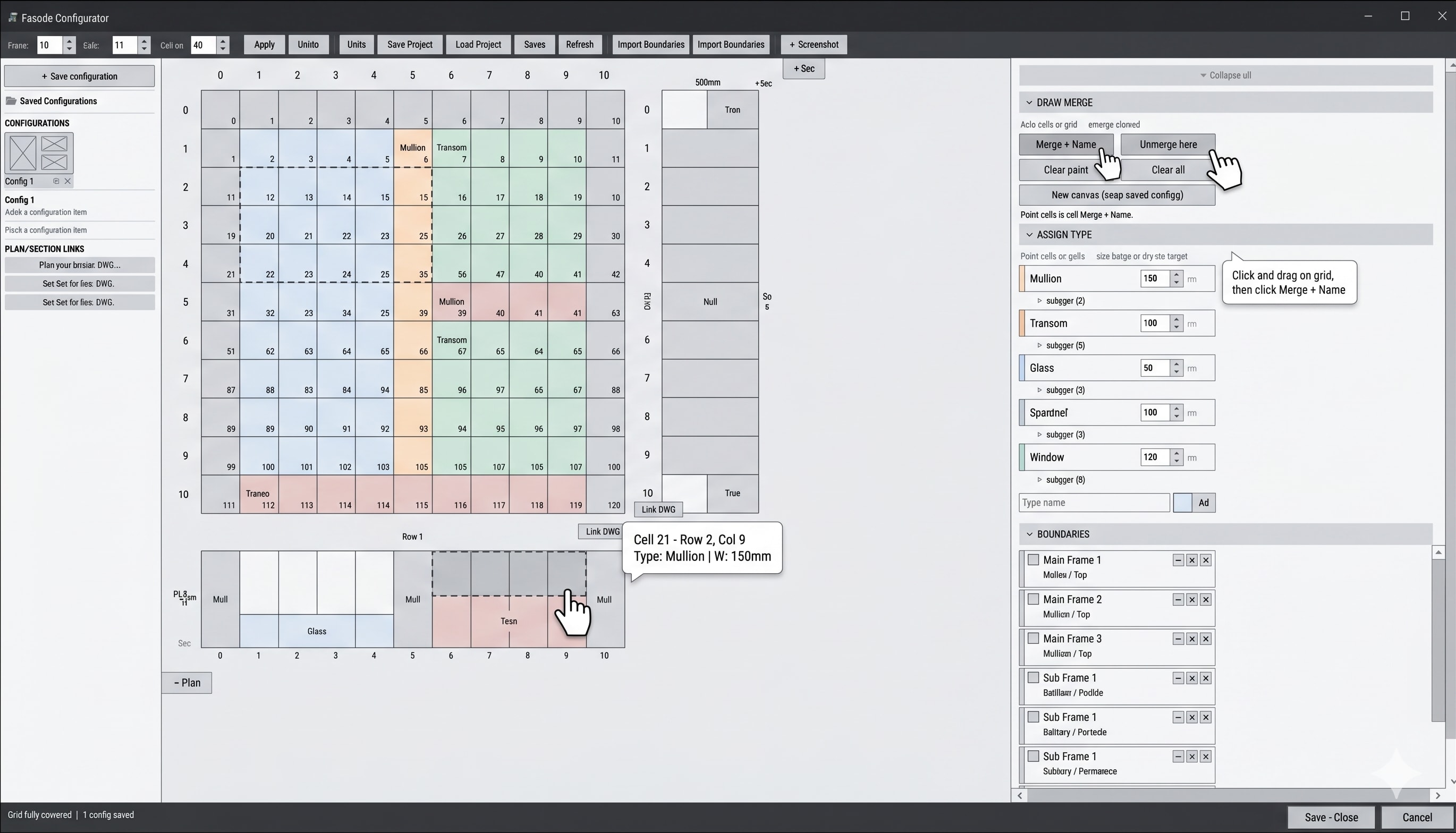
The tool was built with Claude AI (IronPython / WinForms + GDI+) — a multi-panel layout with custom canvas rendering, dock-based resizing, and persistent overlay panels. The interface has four distinct zones: a top toolbar for general commands, a right toolbar for creation (merge, draw, assign types, boundaries, file), a left toolbar for configurations and DWG linking, and the main grid canvas supporting elevation, plan, and section views.


The 2D Linker standalone app is a tool that allows the user to connect directly to a Rhino 2D drawing. It inherits the 2D drawing block, creates a bounding box and generates a schematic 2D drawing with correct dimensions for the 2D drawing. This data is saved and imported into the Configurator to allow for the configuration to connect and link to a 2D drawing data.