Home← All WorkContact
24

SteadyA meal, training & habits app — designed, built and used daily

Product · UX/UI · Design engineering · AI-assisted dev

Off-the-shelf trackers each solved one slice of my day. Steady brings meals, workouts, water, vitamins and daily check-ins into one calm app, built around how I actually eat, train and work with a coach. I took it from idea to more than 400 shipped versions as product owner, designer and front-end developer.
Year2026 — Present
StatusIn daily use · V404
RoleSolo: product, UX/UI, front-end
Built withHTML · CSS · JS · Claude Code · Playwright
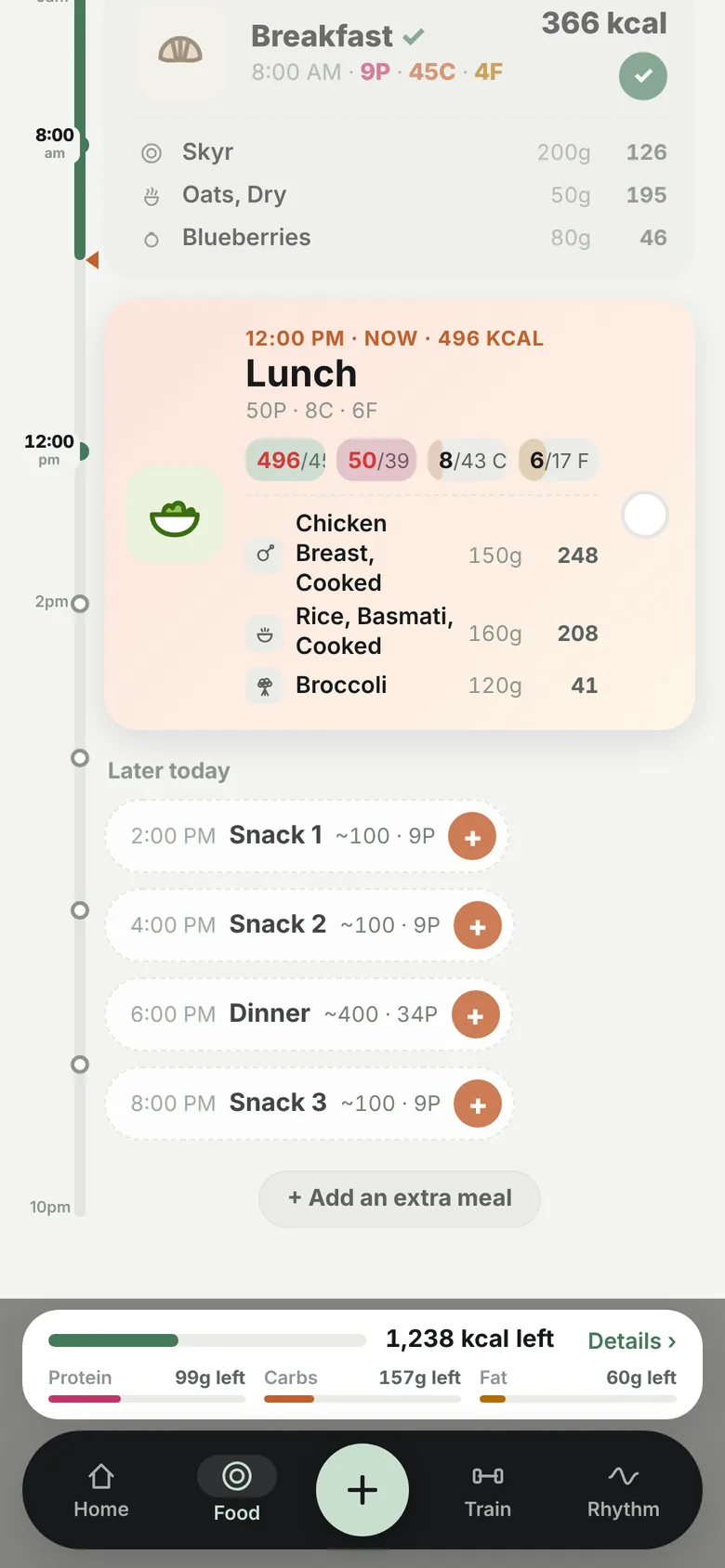
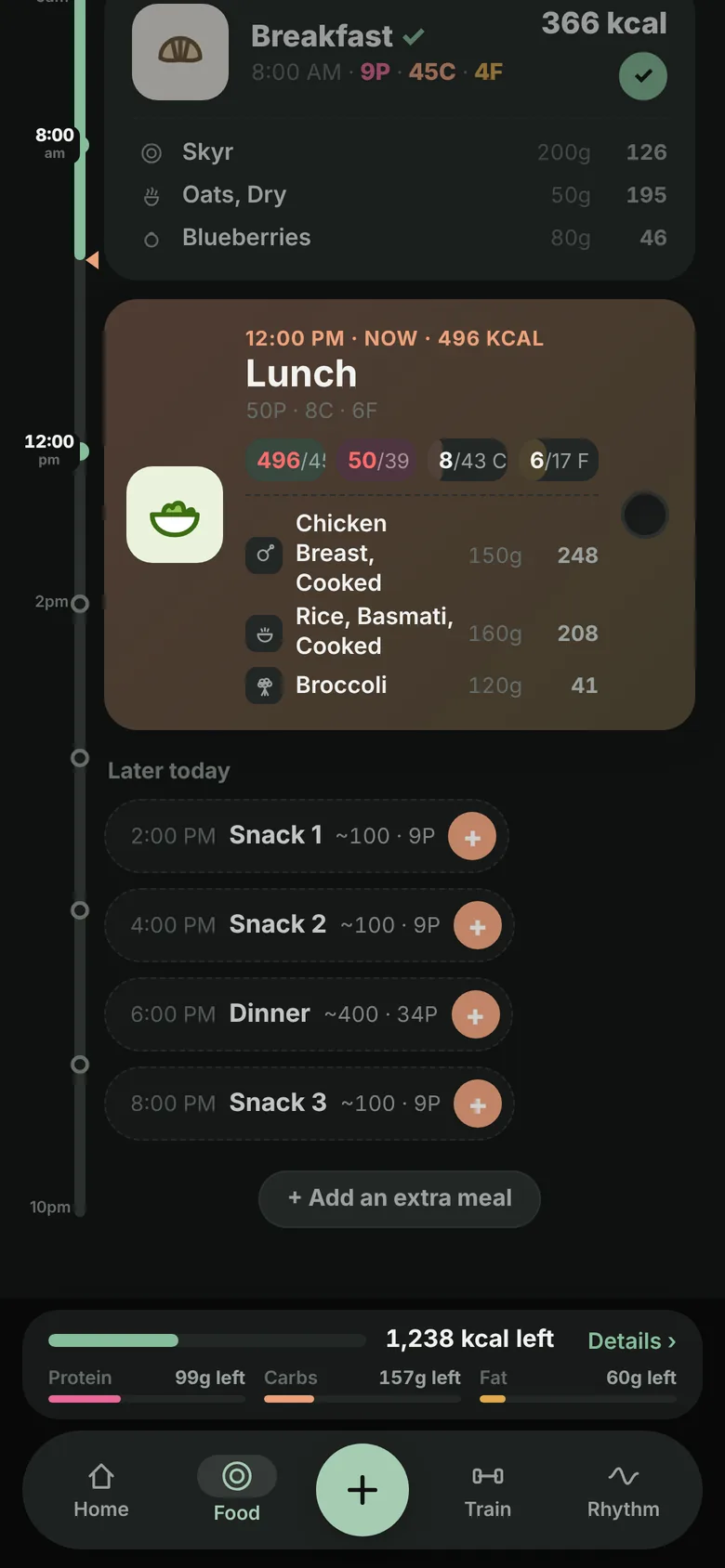
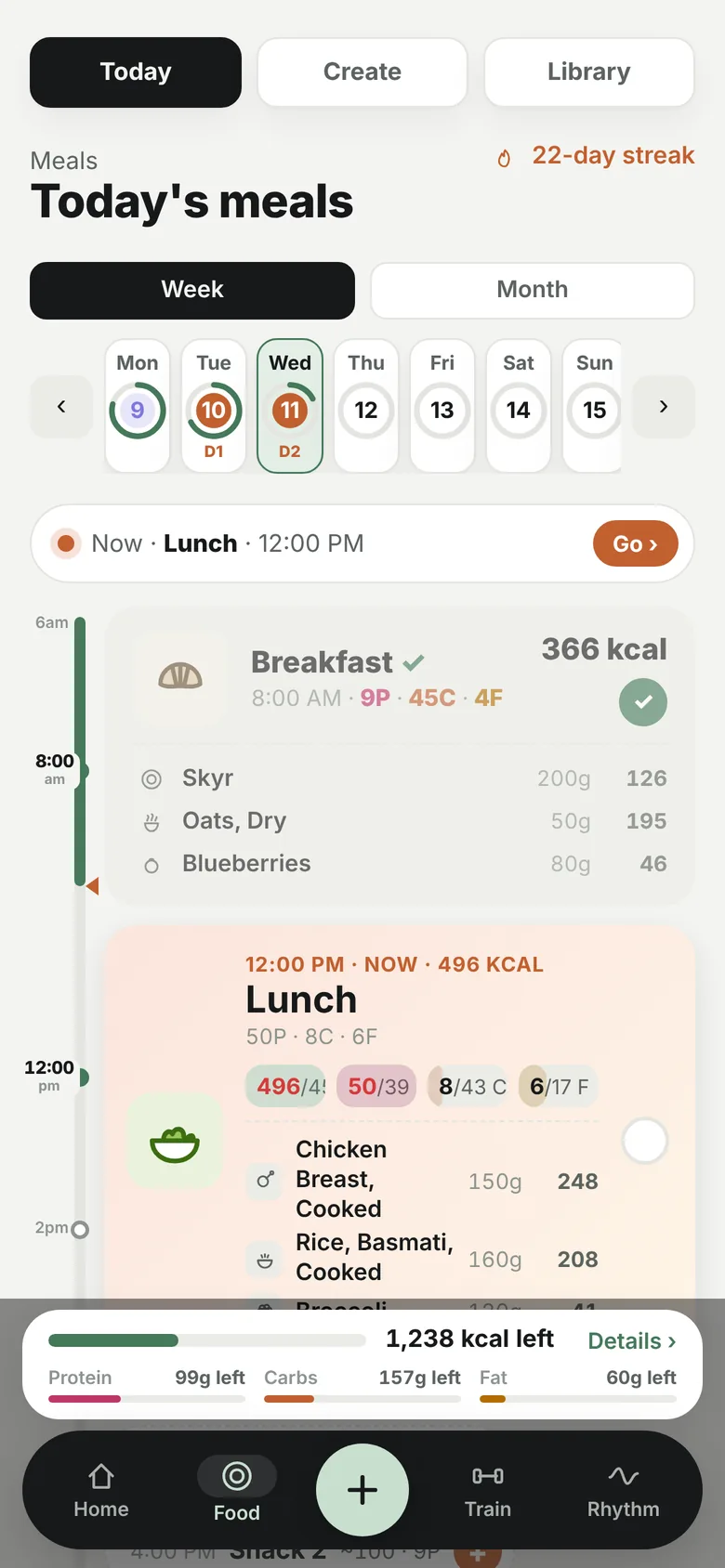
Food tab: today's meals on a time-of-day timeline
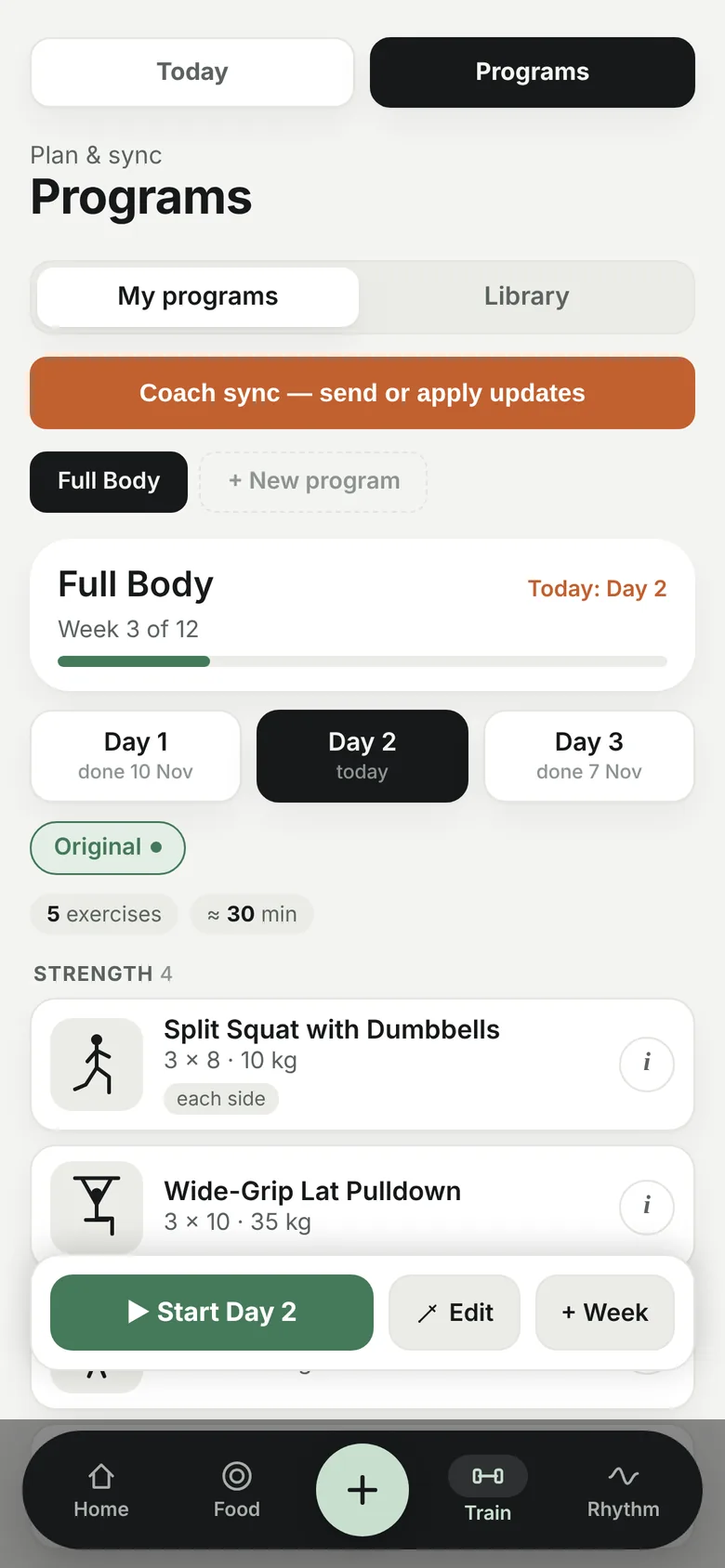
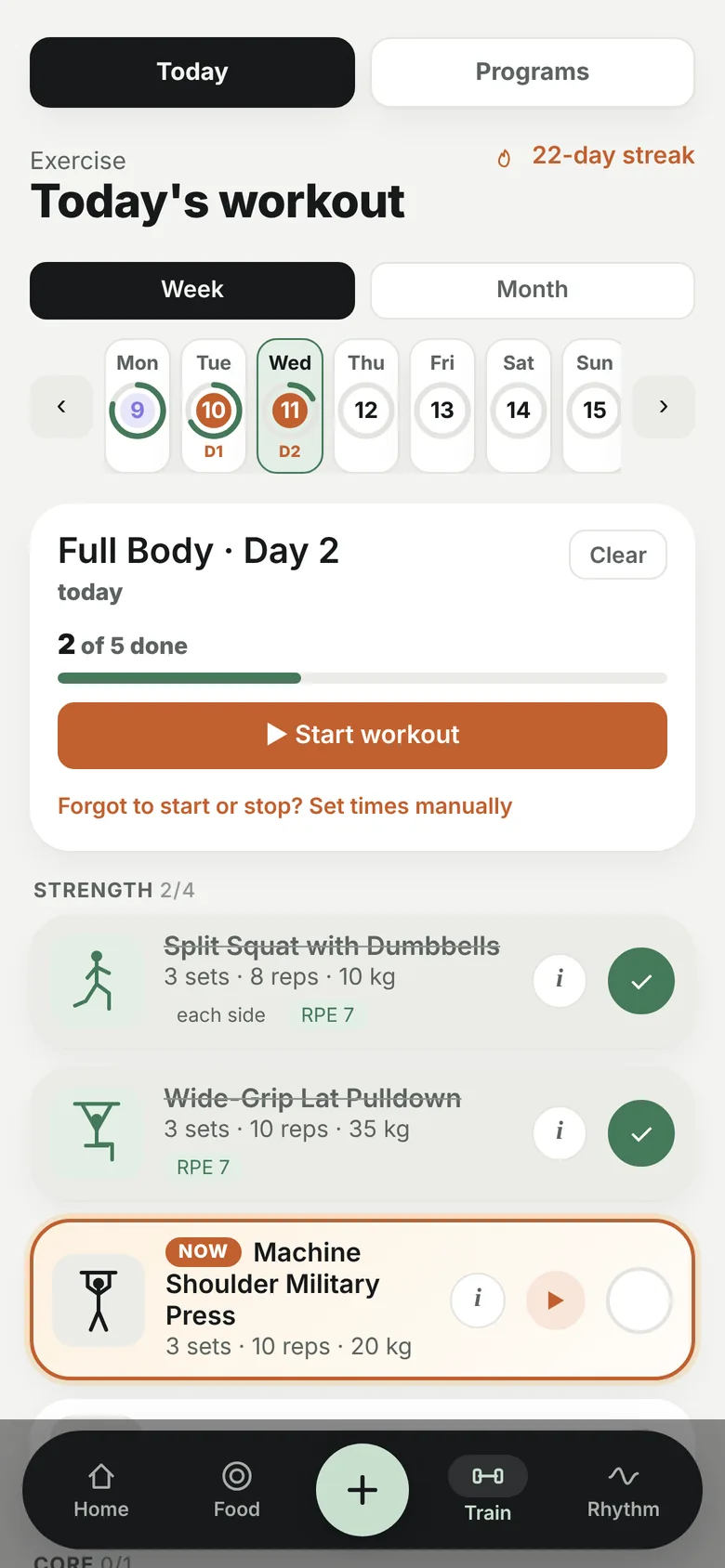
Train tab: today's workout with stick-figure exercise cards
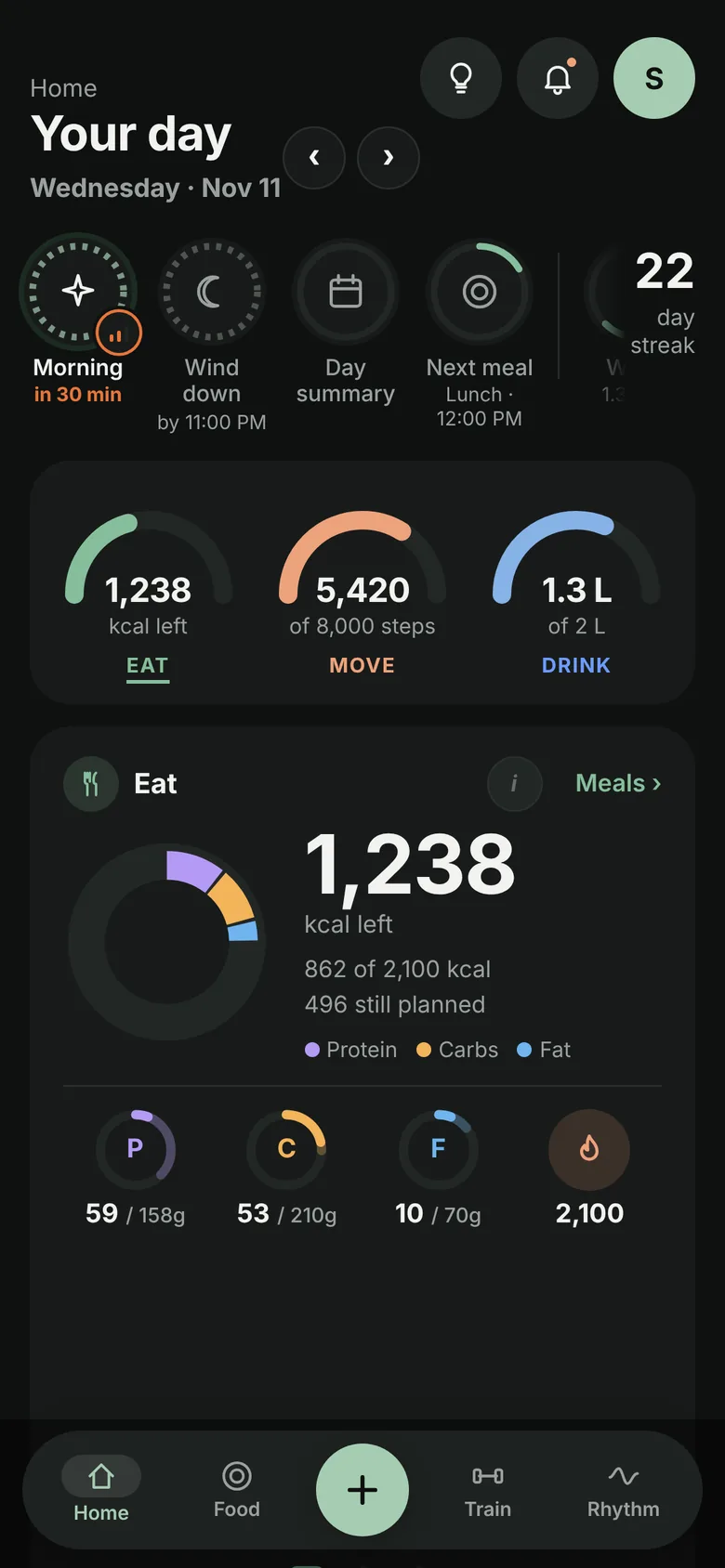
Eat · Move · Drink
Live recording
404Versions shipped
233In 15 days
1,291Exercise library
65Custom food icons
5 + 2Palettes · themes
1Person, start to end

TheApp

Four tabs · one day

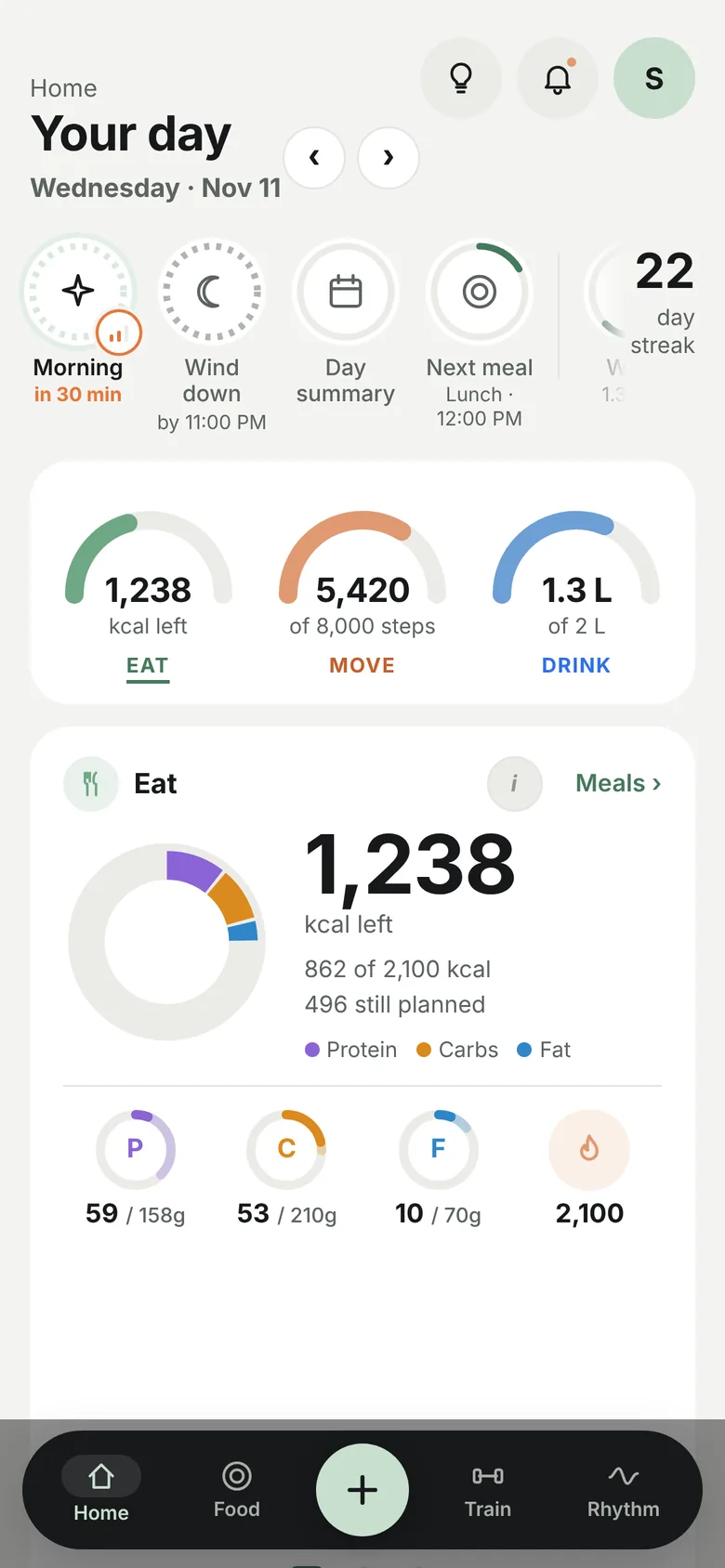
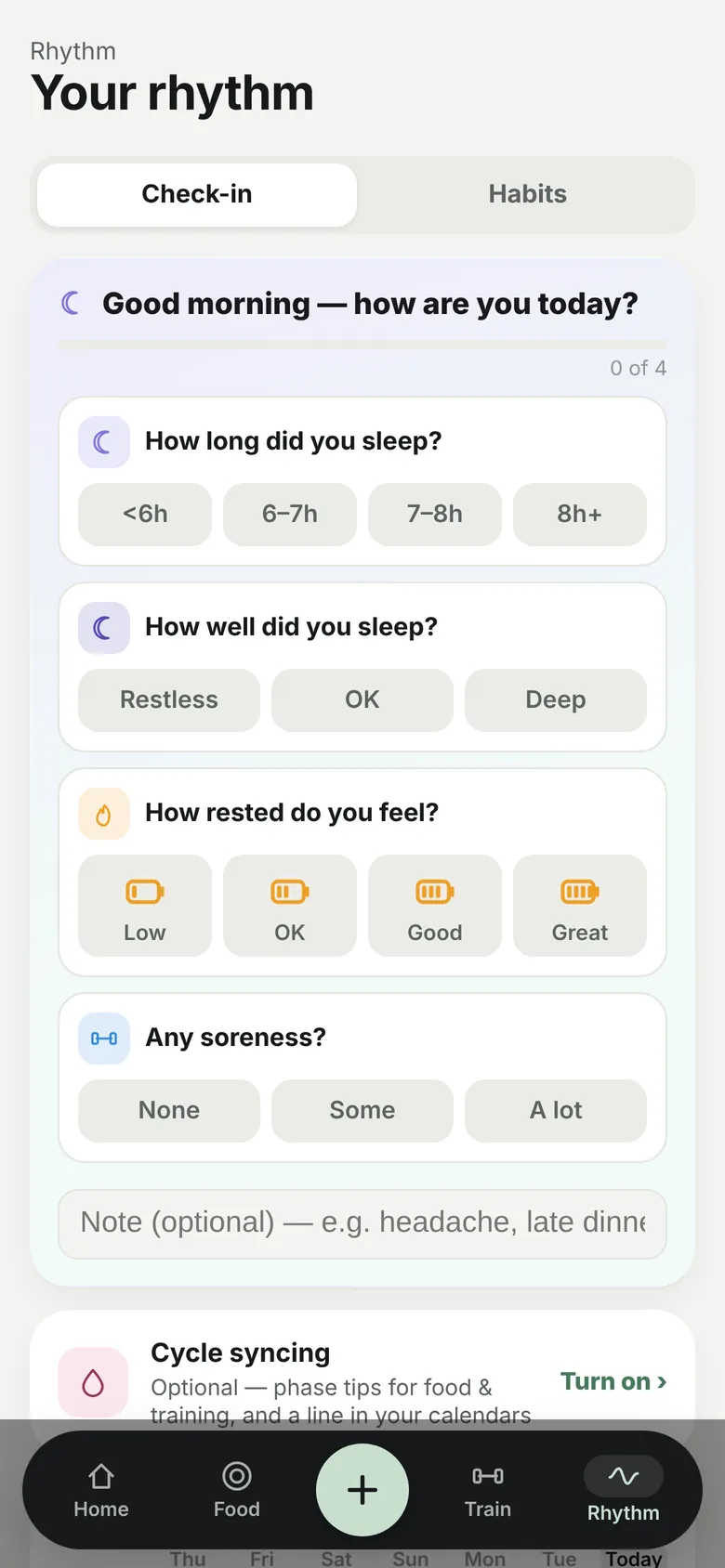
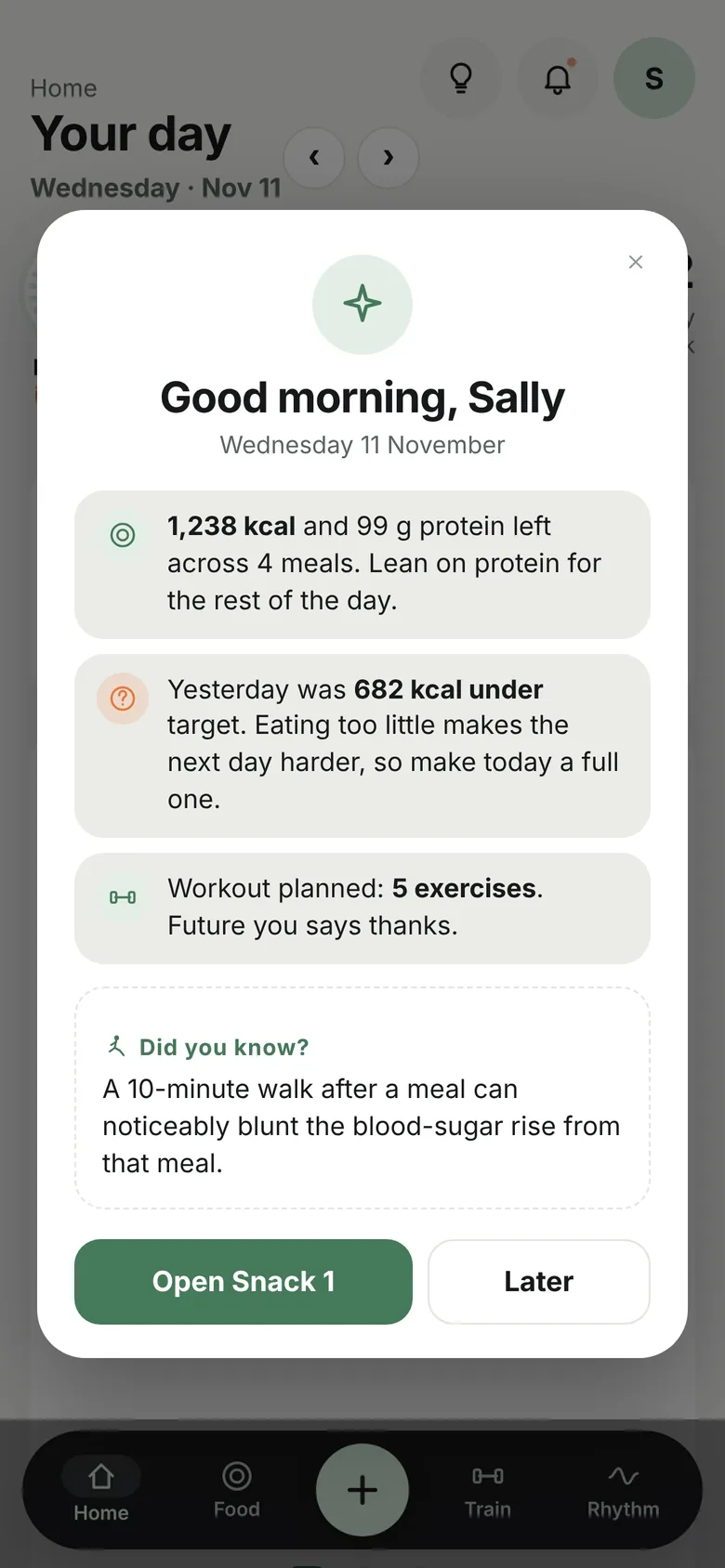
Steady is organised around a single day. Home says how the day is going at a glance, Food plans and logs meals on a timeline, Train runs the workout, and Rhythm holds the morning and evening check-ins. Tap through the tabs to see each one.

Home tab Food tab timeline Train tab Rhythm tab check-in

InUse

Screen recordings · demo data

Three everyday moments, recorded straight from the app. These are the flows I used most and iterated on most.

Flow 01

Log a meal

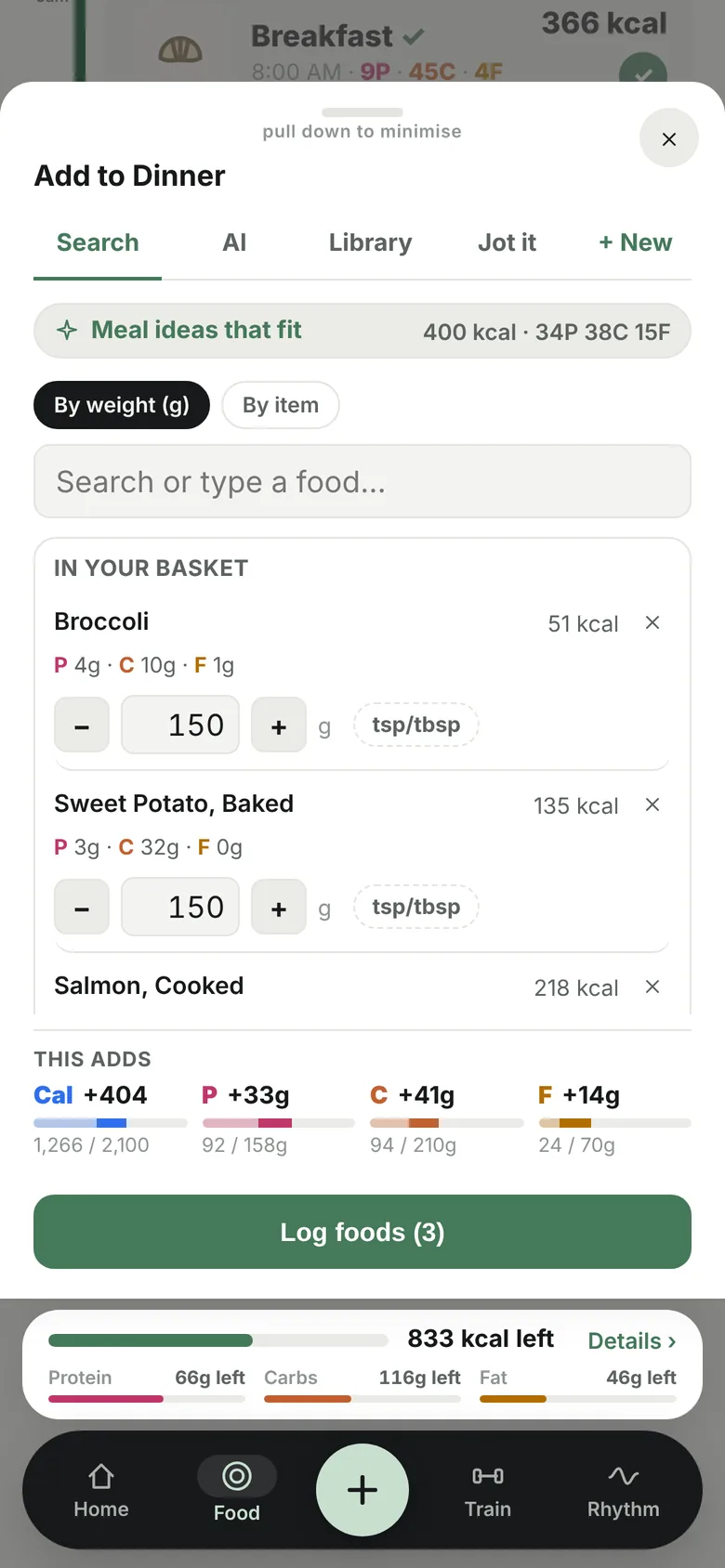
  1. "+ Add now" opens one sheet for search, AI and saved meals
  2. A meal idea that fits tonight's budget goes into the basket
  3. Smart search finds "blue…" → Blueberries
  4. "This adds" shows the impact before logging
Flow 02

Train with a guide

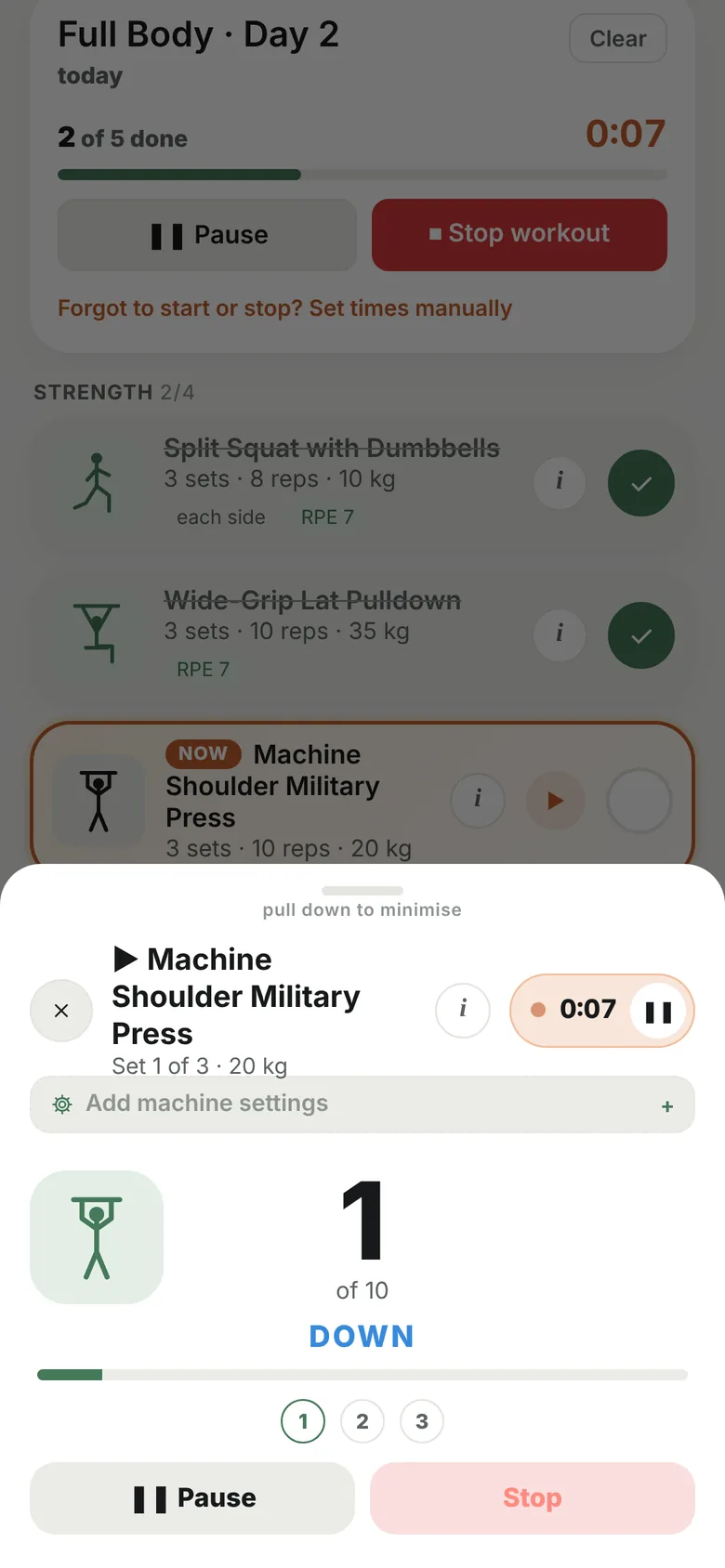
  1. The current exercise is marked NOW
  2. ▶ opens the guided counter with its stick figure
  3. 3-2-1, then reps are counted out loud, down and up
  4. The workout timer runs in a bar on every tab
Flow 03

Check the day

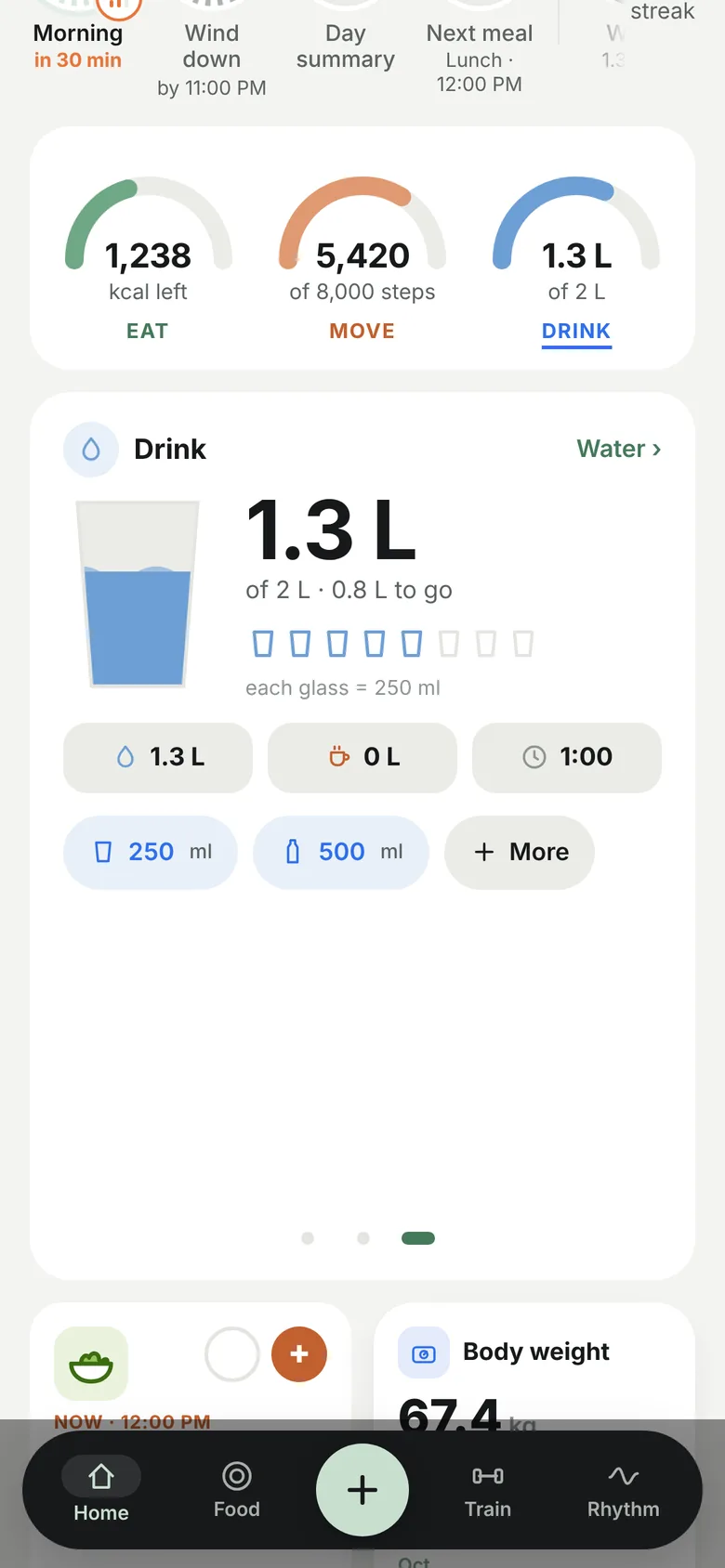
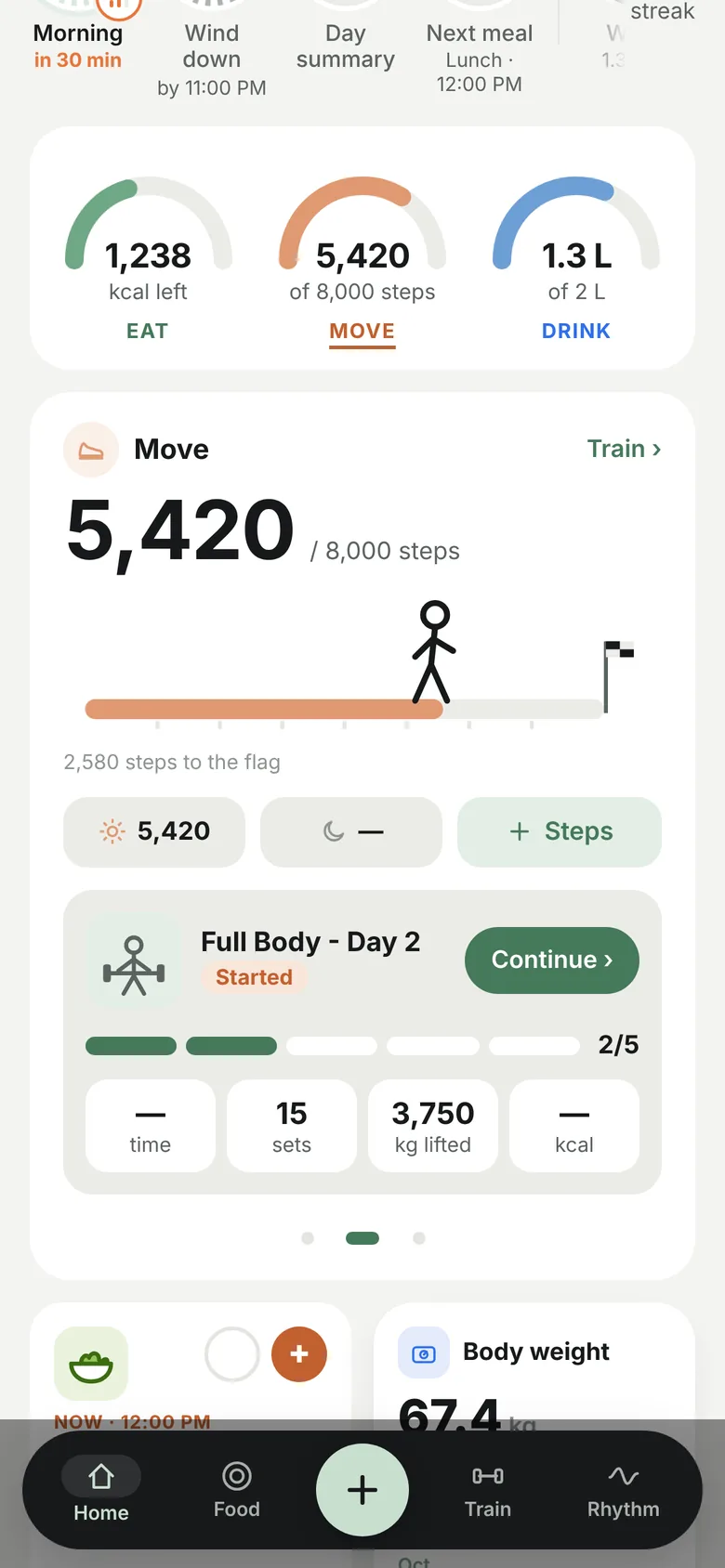
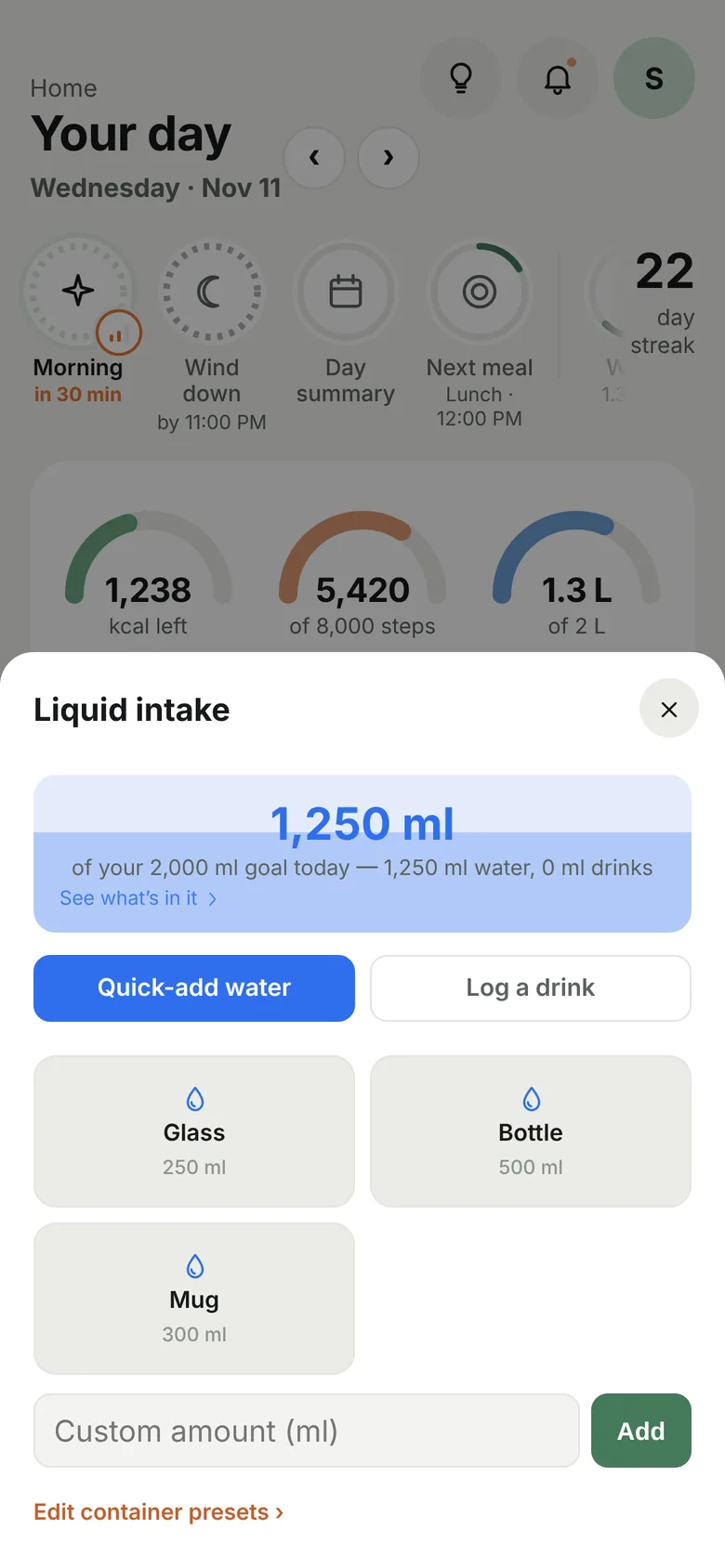
  1. Tap a gauge to swipe to Move or Drink
  2. The walker heads for the step-goal flag
  3. One tap adds a glass; the water rises
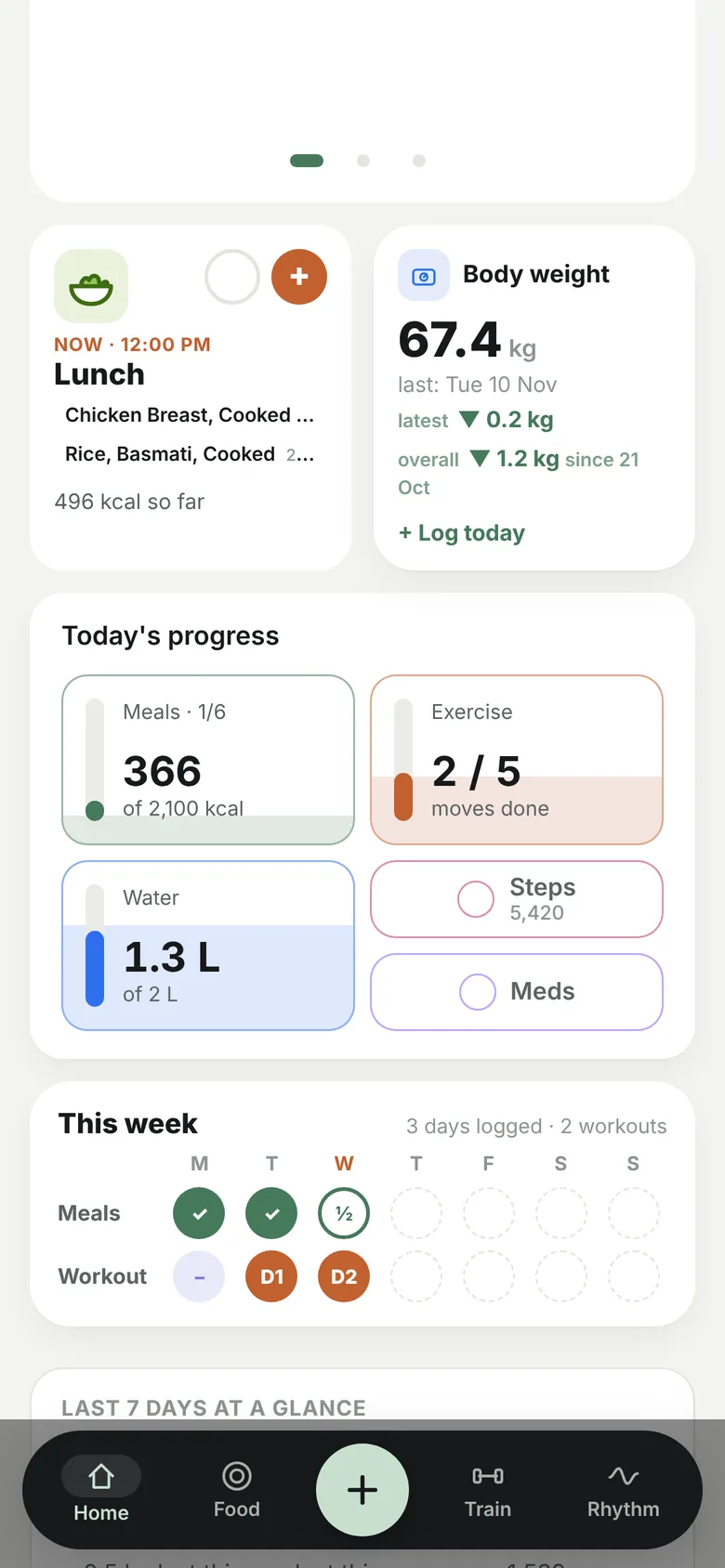
  4. Scroll for progress tiles and weight trend

Recipes &Planning

Cook once · log by weight or serving

Home cooking is where most trackers give up. In Steady a recipe is built once from its ingredients, weighed after cooking, and from then on logged like any other food: by the serving or by the grams actually on the plate. Planned meals then roll up into the week's grocery list.

Step 01

Build

Name it, then add ingredients from search with their raw or cooked weights. Calories and macros add up live. Or paste a recipe and let AI break it down.

Step 02

Weigh & save

Enter servings and the finished weight, or weigh it in your own pot. Steady works out kcal per serving and per 100 g.

Step 03

Plan & shop

Add it to any meal on any day. Everything planned for the week becomes a tick-off grocery list.

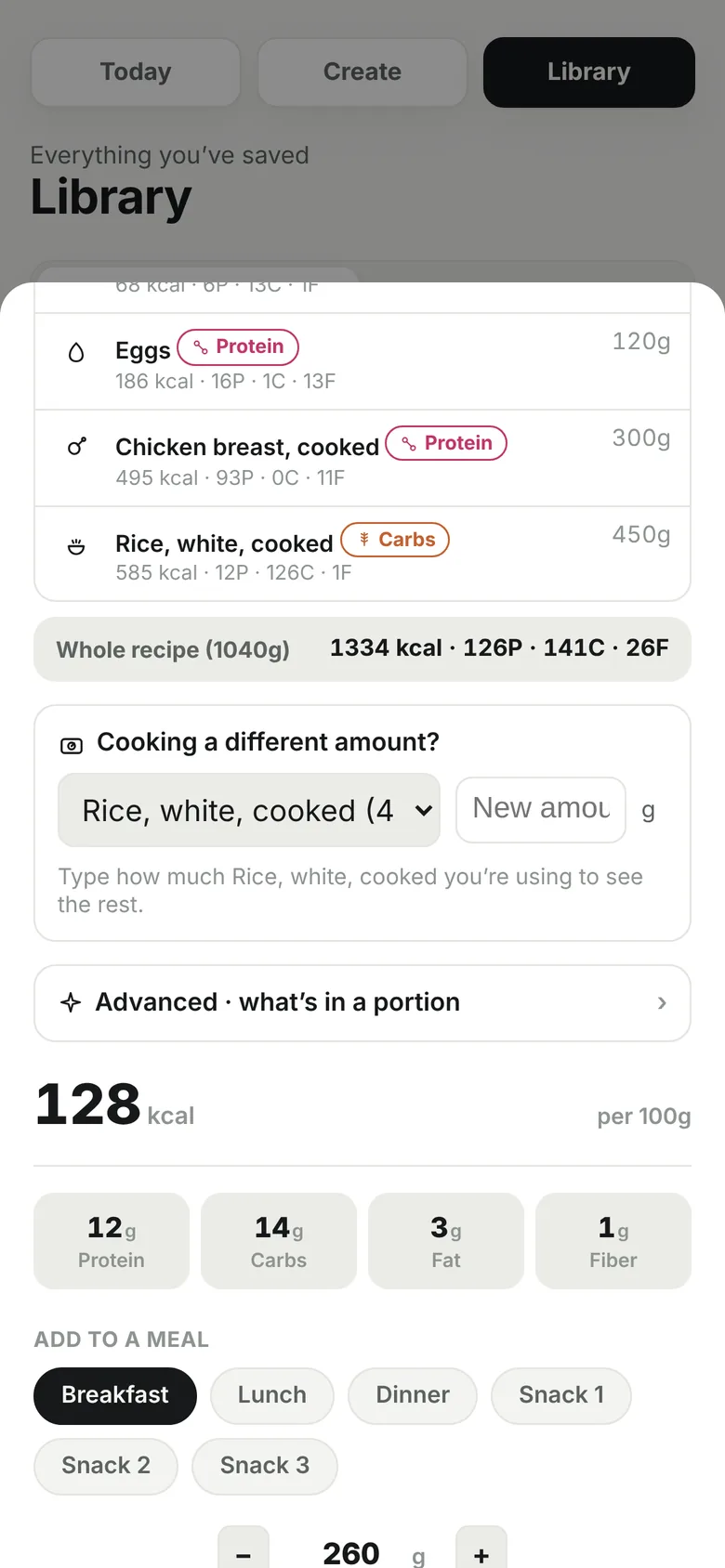
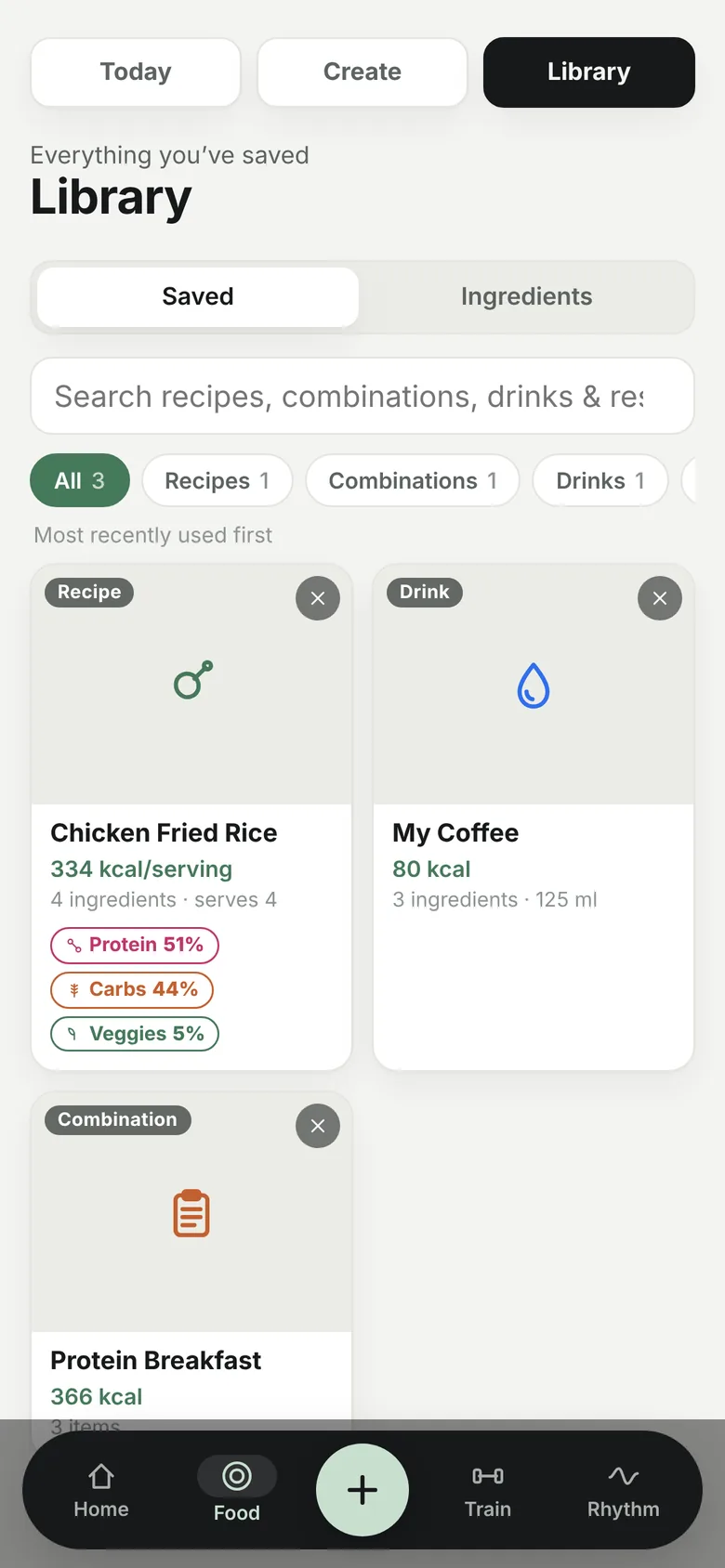
Library with the saved recipe
Saved, tagged334 kcal per serving, with its protein, carb and veg share.
Recipe overview with add to a meal
Add to a mealPick the meal, set the grams, done.
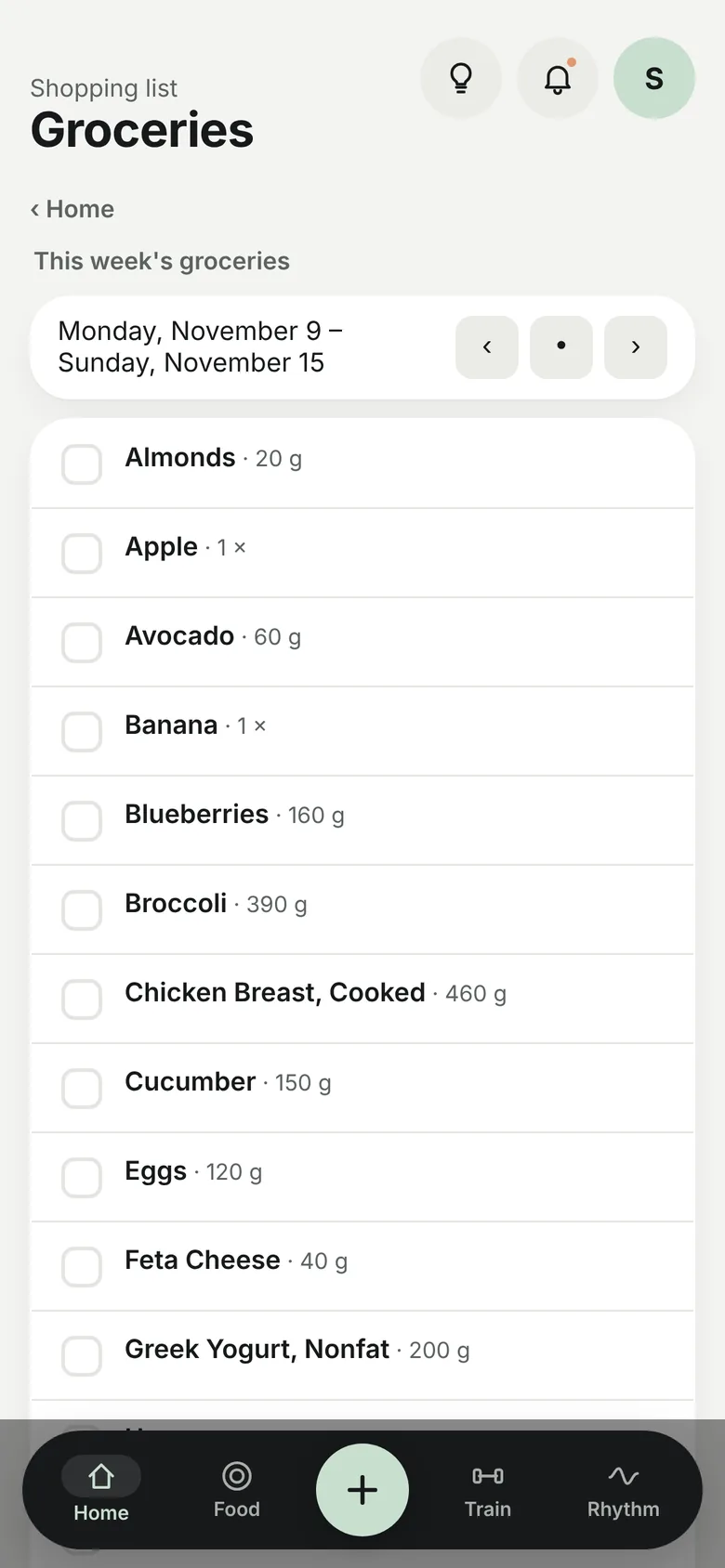
Weekly grocery list
The week's groceriesTotals from every planned meal, Monday to Sunday.

Train,Guided

Stick figures · how-to sheets · a voice that counts

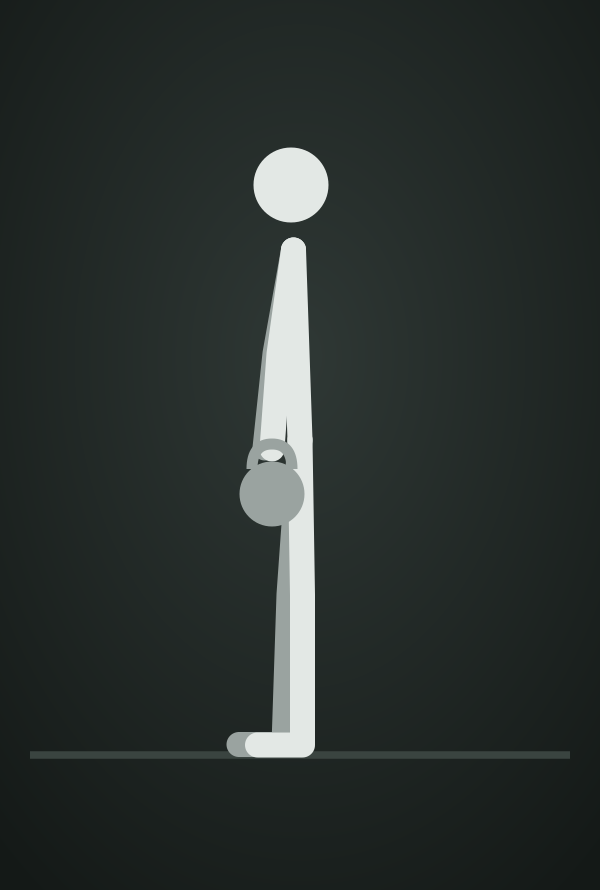
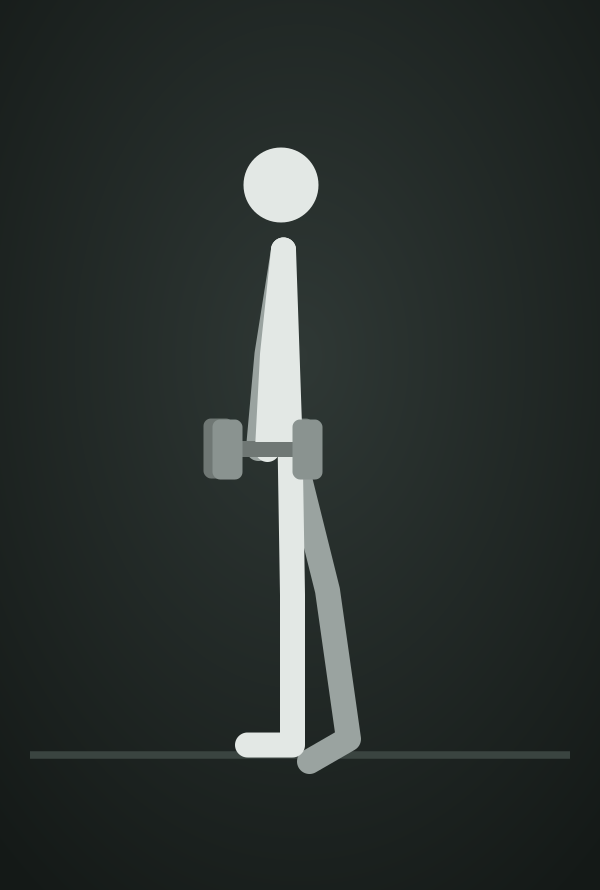
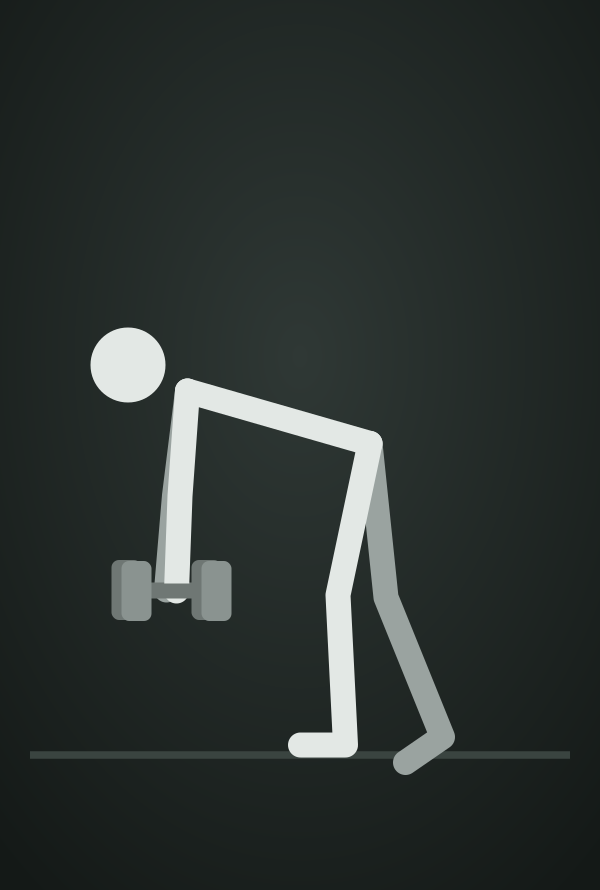
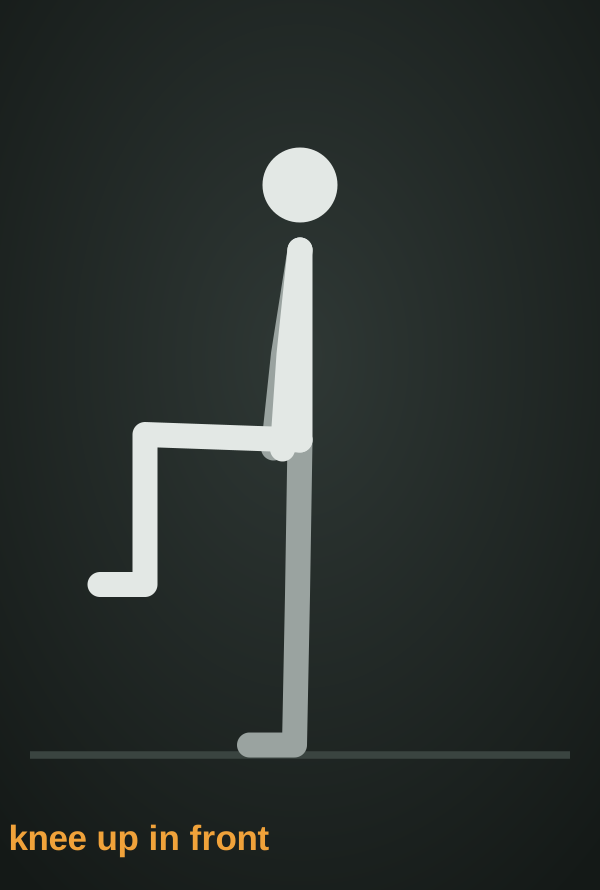
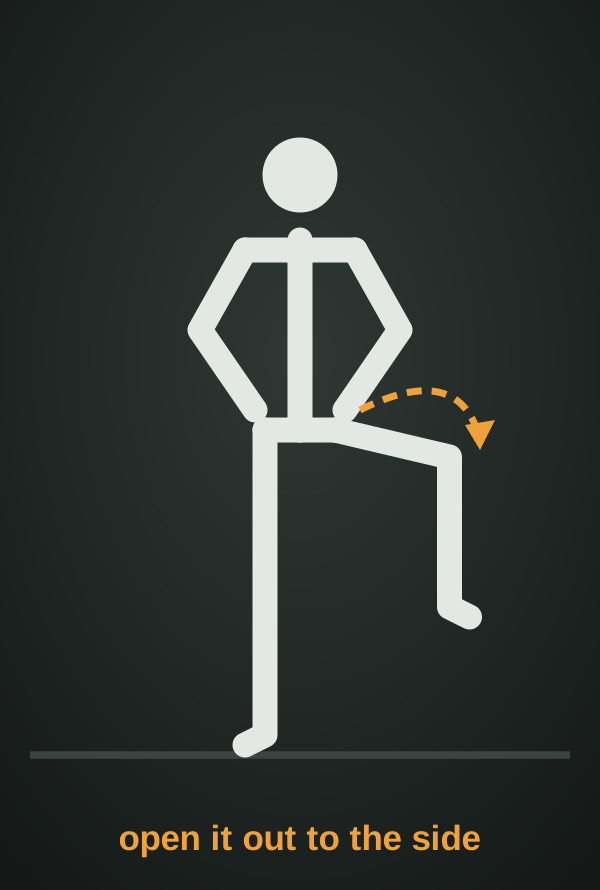
Every move in a program gets a small stick figure, so a workout reads at a glance. Tap ⓘ for a full how-to sheet, and press ▶ to have the app count reps or time each set out loud, rests included.

B-Stance RDL
Barbell Hip Thrust
Dumbbell Chest Press
Face Pull
Goblet Squat
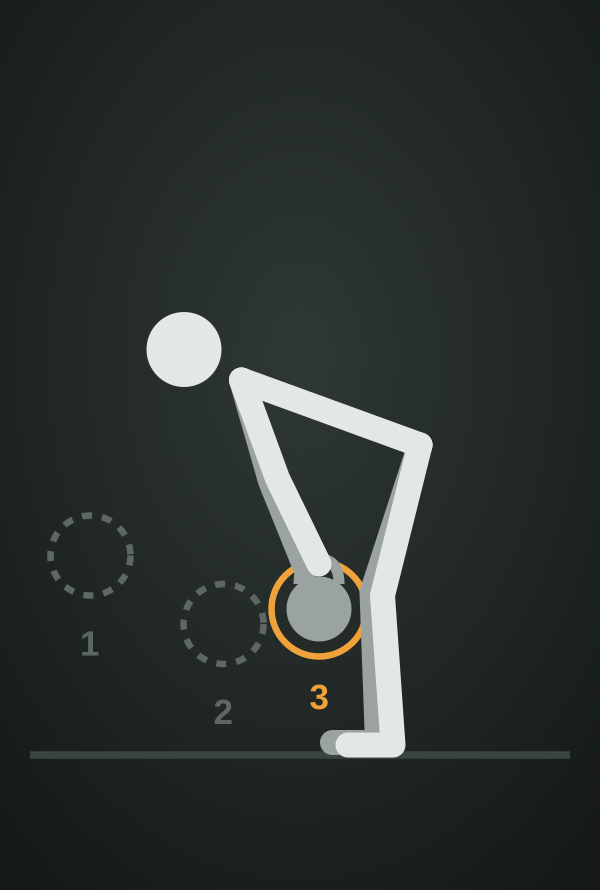
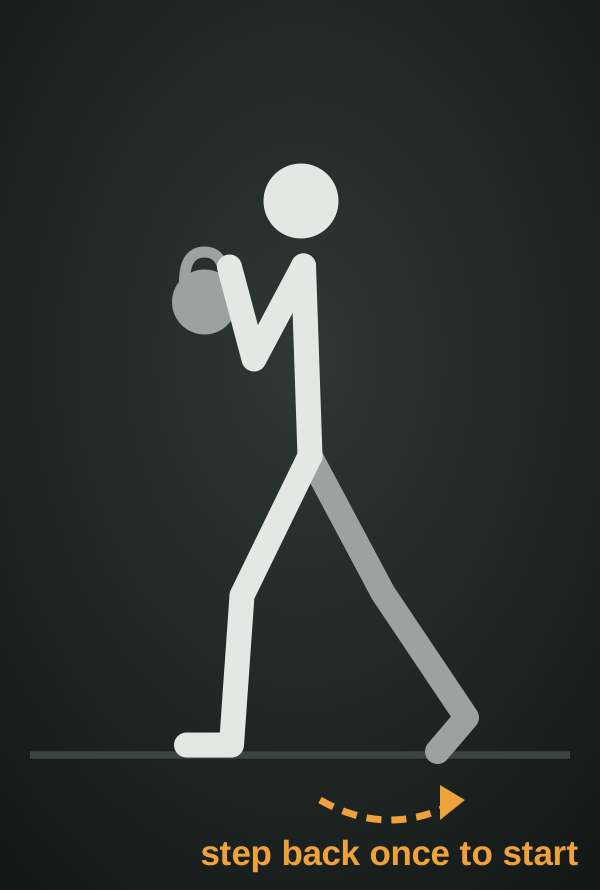
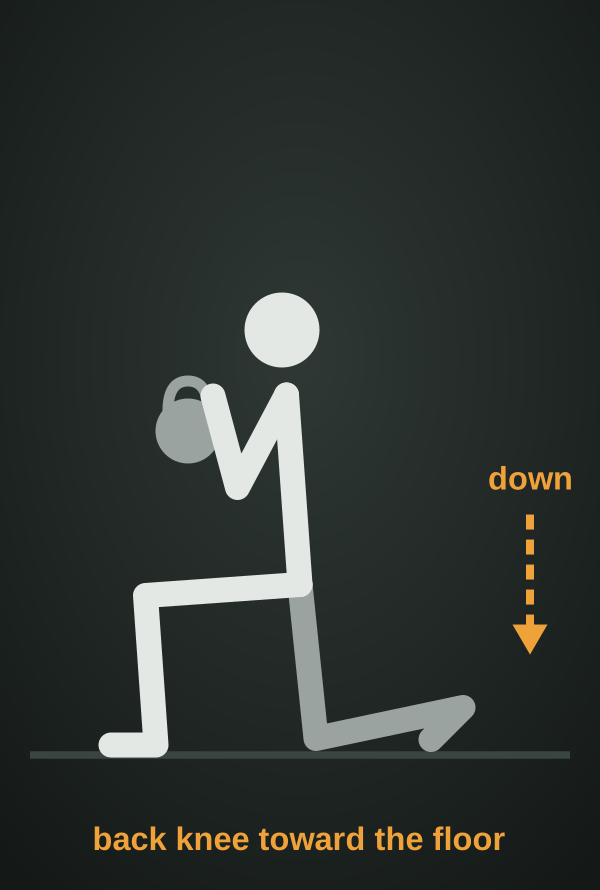
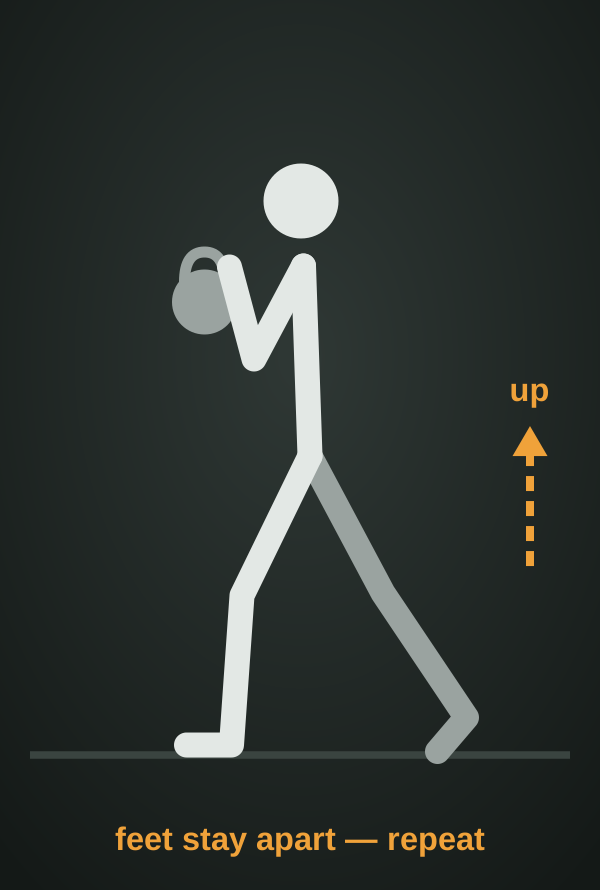
KB Goblet Split Squat
Kettlebell Farmer Carry
Lying Leg Curls
Machine Shoulder Military Press
One-Arm Dumbbell Row
Pallof Press
Russian Twist
Seated Cable Row
Side Lateral Raise
Split Squat with Dumbbells
Wide-Grip Lat Pulldown

16 line figures drawn in code, matched to each exercise by its name · hover to highlight

The ⓘ sheet

Every exercise explains itself

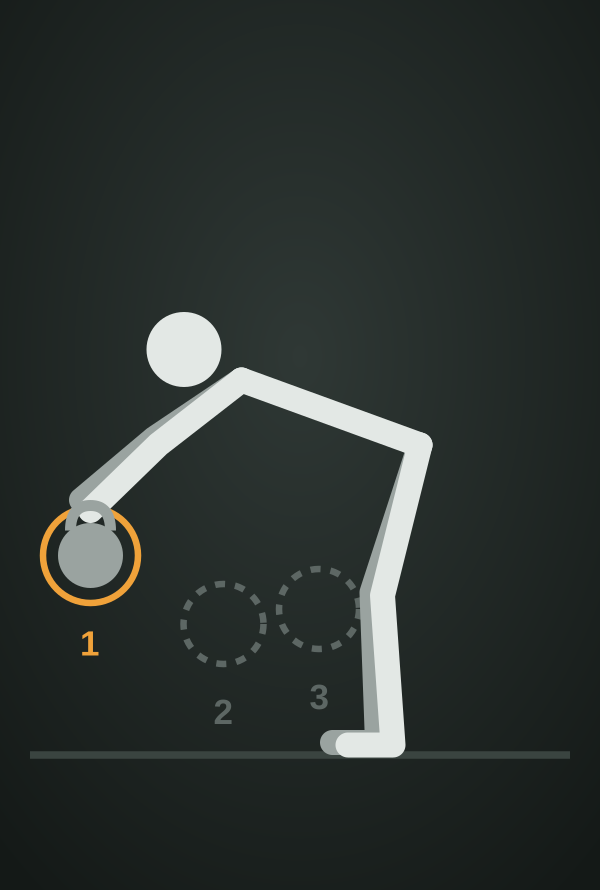
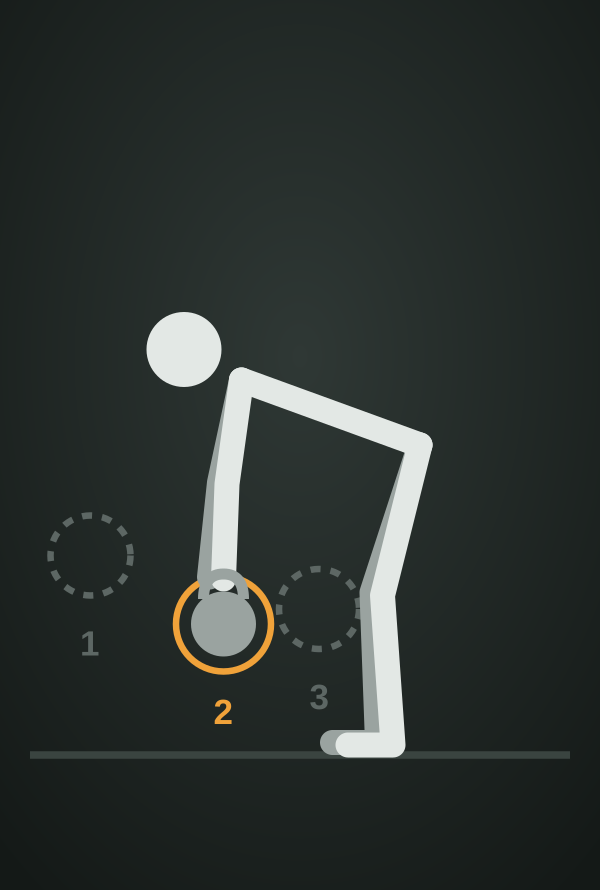
Library moves show start and finish photos with muscle and equipment chips. Moves the library didn't have, like my coach's B-stance RDL, got step-by-step illustrations drawn by Claude, with numbered phases and arrows. All steps can be edited, and my own video can be added.

3-point RDL
KB split squat
B-stance RDL
Open the gate
Timed sets · V403

It times the set, so I don't have to

Carries, planks and holds are counted in seconds instead of reps. Press ▶ and the phone goes in the pocket: it counts down, talks me through it, rests, and starts the next set.

  • Reps or time, per exerciseA Reps | Time switch on each card; farmer carries, planks and holds default to time.
  • Set the time and rest before startingSteppers for both; changes carry to the sets I haven't touched.
  • Counted out loudVoice and beeps on top of my own music, even with the screen locked.
  • Each side or alternating"Switch sides" with a 5-second pause, then side two.
  • Done means doneThe last set ticks the exercise and moves NOW to the next one.
"Set 1 of 3. 20 seconds. Go""Half way""10 seconds""3 · 2 · 1"

BuildLoop

7 steps · repeated 400+ times

I was my own primary user, so feedback took minutes, not weeks. Every change went through the same loop, and the step that mattered most was exploring options before building anything.

Step 01

Use it daily

Real meals, real workouts; friction gets noticed.

Step 02

Plain request

One sentence in my own words, often typed on my phone.

Step 03

Explore options

Clarifying questions, then 2–4 mockups side by side.

Step 04

Build

Claude Code writes; I make the product calls and review.

Step 05

Verify

Browser tests at 320–390 px, light and dark, plus regressions.

Step 06

Ship

A new version goes live the same hour.

Step 07

Document

Changelog and a "gotchas" list so no bug comes back.

In today's progress, put the water intake and the meds.Request → V170
In the water intake, let me remove what I added.Request → tap-the-total breakdown, V167
Make the calories one long.Request → full-width balance card, V215

FourDirections

Redesign · Nov 2026

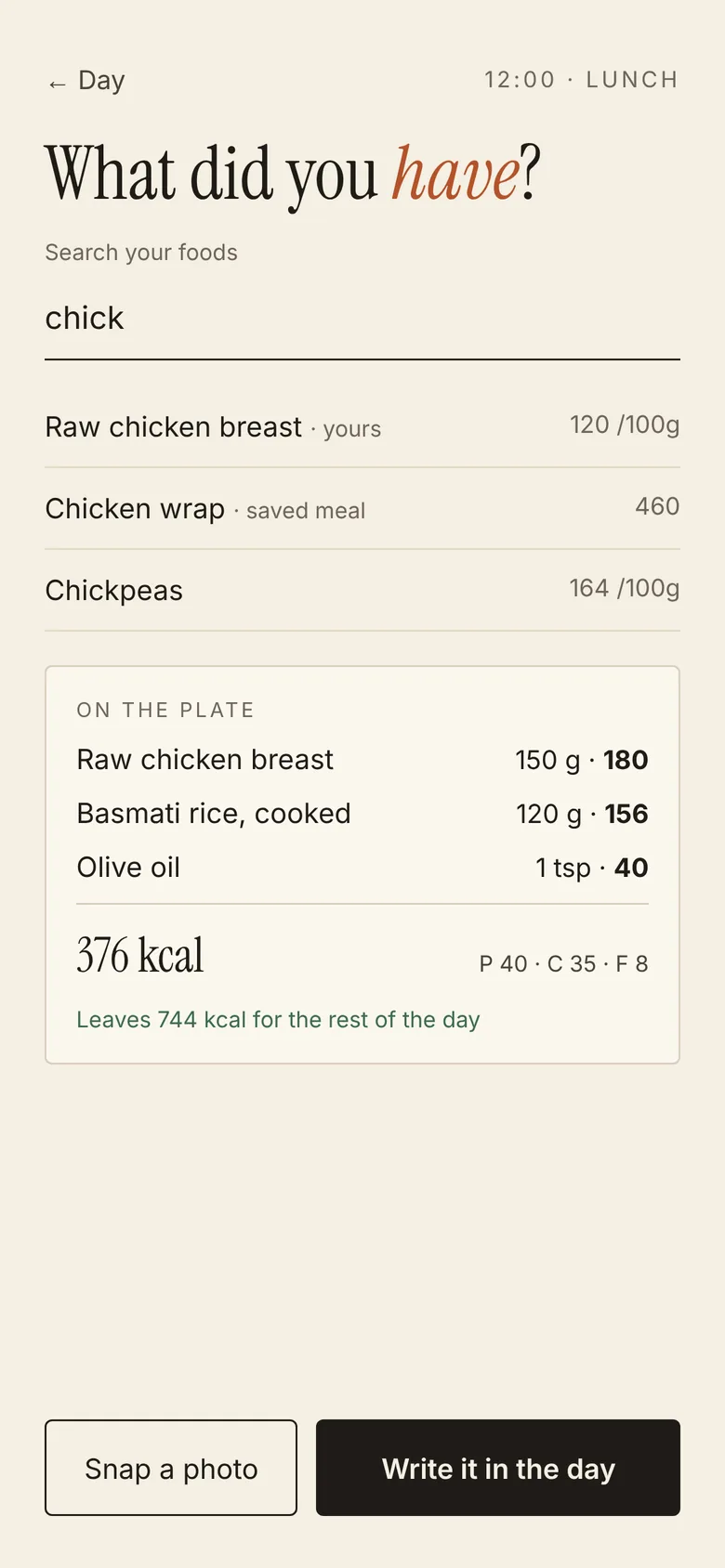
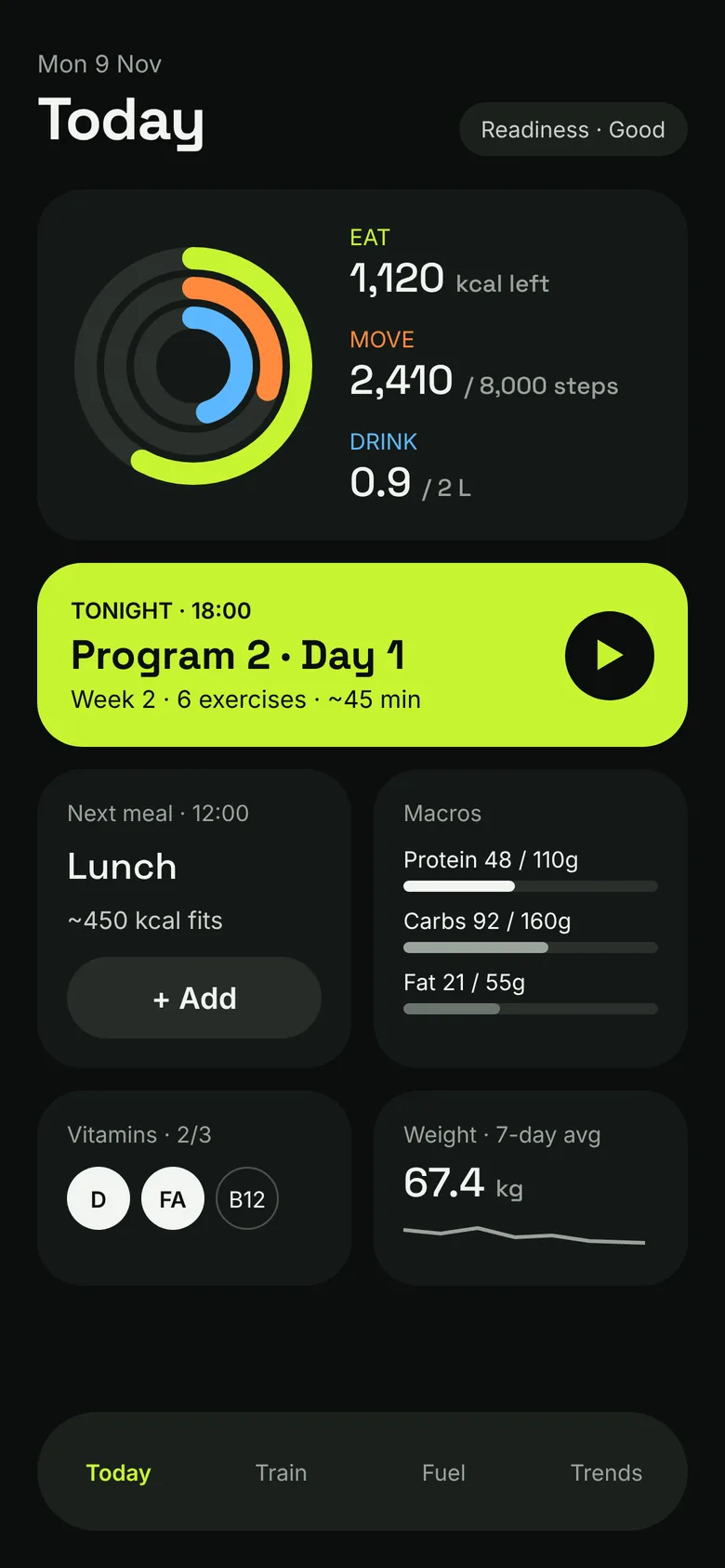
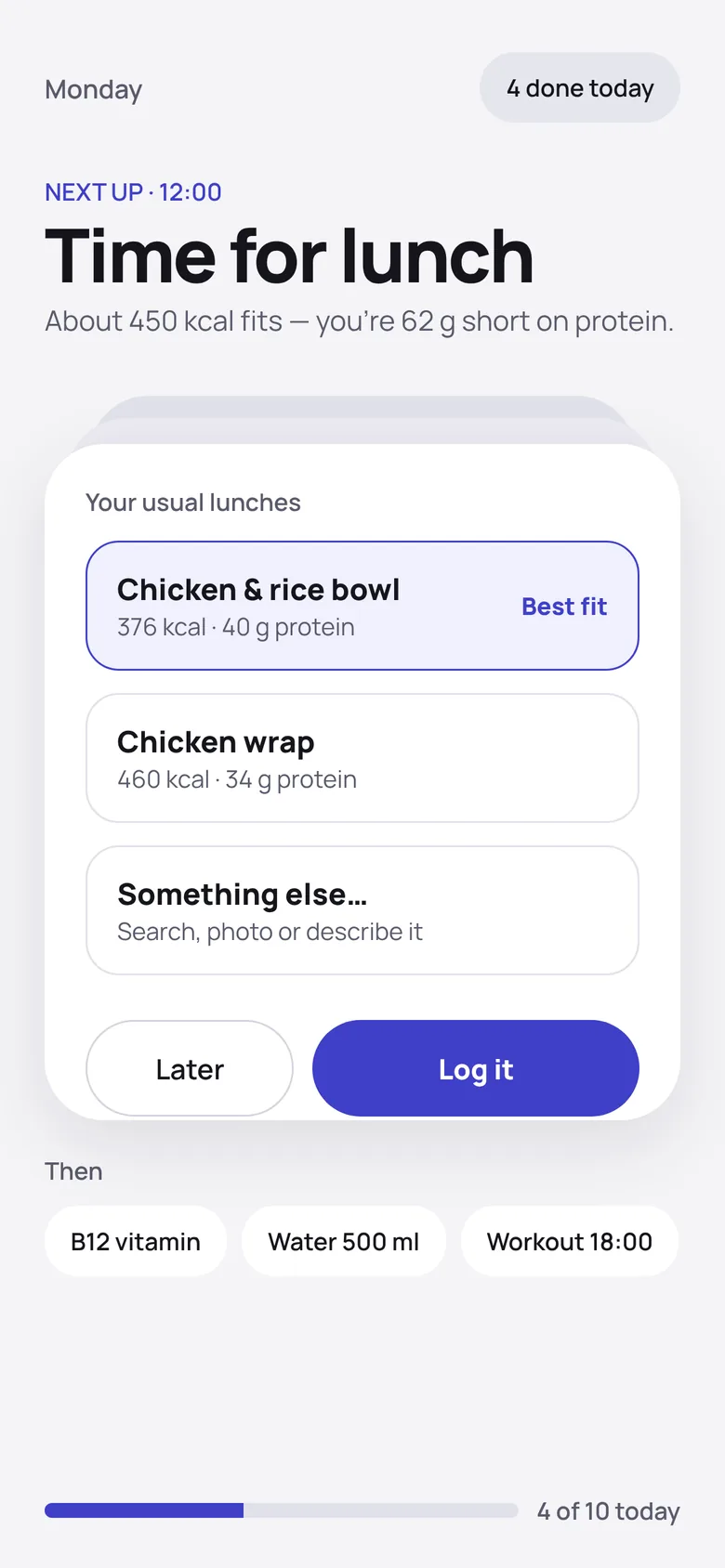
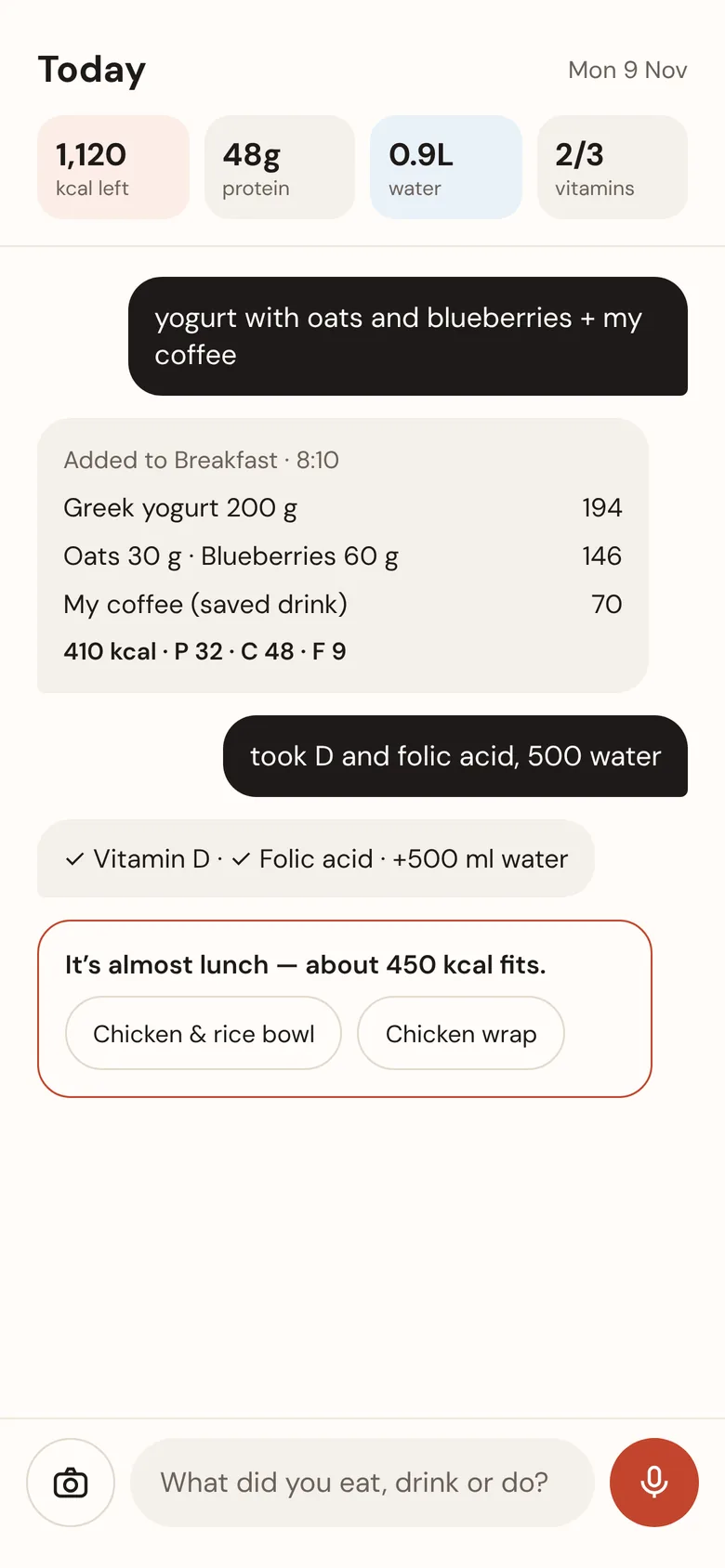
After 370+ versions of adding features, the app worked but felt busy. Before restyling anything I explored four different ideas of what the app could be, then picked one and adapted it to real use.

Direction A, Daybook
DaybookA

A calm paper journal. Lovely to read, slow to log.

Direction B, Pulse
PulseB

A sporty dashboard with rings. Chosen, then softened.

Direction C, Next up
Next upC

One task at a time. Focused, but hides the whole day.

Direction D, Ask
AskD

Chat-first logging. Fast, but depends on AI for everything.

Mockup → shipped

Drag to compare the Pulse mockup with what shipped

The direction survived; the details changed once it met a real day. Rule for the redesign: nothing gets removed without my sign-off.

  • Bright lime accent→Five calm palettes to choose
  • Four floating buttons→One + in the tab bar
  • Banners on Home→A bell inbox
  • Plan tab for settings→Behind the profile button
  • Stacked rings→Half-moon gauges + check-ins
Pulse mockup Shipped Home screen in dark mode MockupShipped

TheProgress

Sept → Nov 2026

Steady grew from a basic meal log into a full daily companion. The pace held even through the redesign: about fifteen versions a day across the last two weeks.

V171 → V404 in 15 daysVersion number by date · from the changelog
V200V300V400 OCT 26OCT 31NOV 5NOV 10 PROGRAMS REDESIGNHOME TILESSMART SEARCHPULSE V171V404
Phase 1

Foundations

Logging, AI estimates, photos, programs, timers

Phase 2

Logging UX

Add-food sheet, basket, undo everywhere

Phase 3

Daily habits

Water, cups with photos, vitamins, progress tiles

Phase 4

Coaching

Excel export, coach import, compare weeks

Phase 5

Training live

Voice counter, timed sets, works when locked

Phase 6

Smarter food

Typo-proof search, brands, budgets, meal ideas

Phase 7

Pulse

New structure, palettes, gauges, daily hello

SmallDetails

Scroll sideways →

Most of the 400 versions were small: a number moved, a tap saved, a state made calmer. A few that made the biggest difference in daily use.

Look &Feel

Tokens · light & dark

Every colour is a token with a light and a dark value, so a palette or theme change reaches every screen at once. The lime of the first Pulse mockup felt loud in daily use, so the app now offers five calmer palettes, with Sage as the default.

Numbers & headings
1,238
Space Grotesk
Text
kcal left
Inter
Macros
P C F
One colour each, everywhere
Food timeline, light mode
Light
Food timeline, dark mode
Dark
01

Calm over alarm

Over-goal macros keep their colour and say "+26 g over". Late check-ins get a small badge.

02

Undo, not "Are you sure?"

Every delete can be undone for ten seconds.

03

Done is a colour

Finished items swap background instead of fading, so they stay readable.

04

Less motion on request

Every animation switches off when the phone asks for reduced motion.

CoachSync

A two-sided workflow

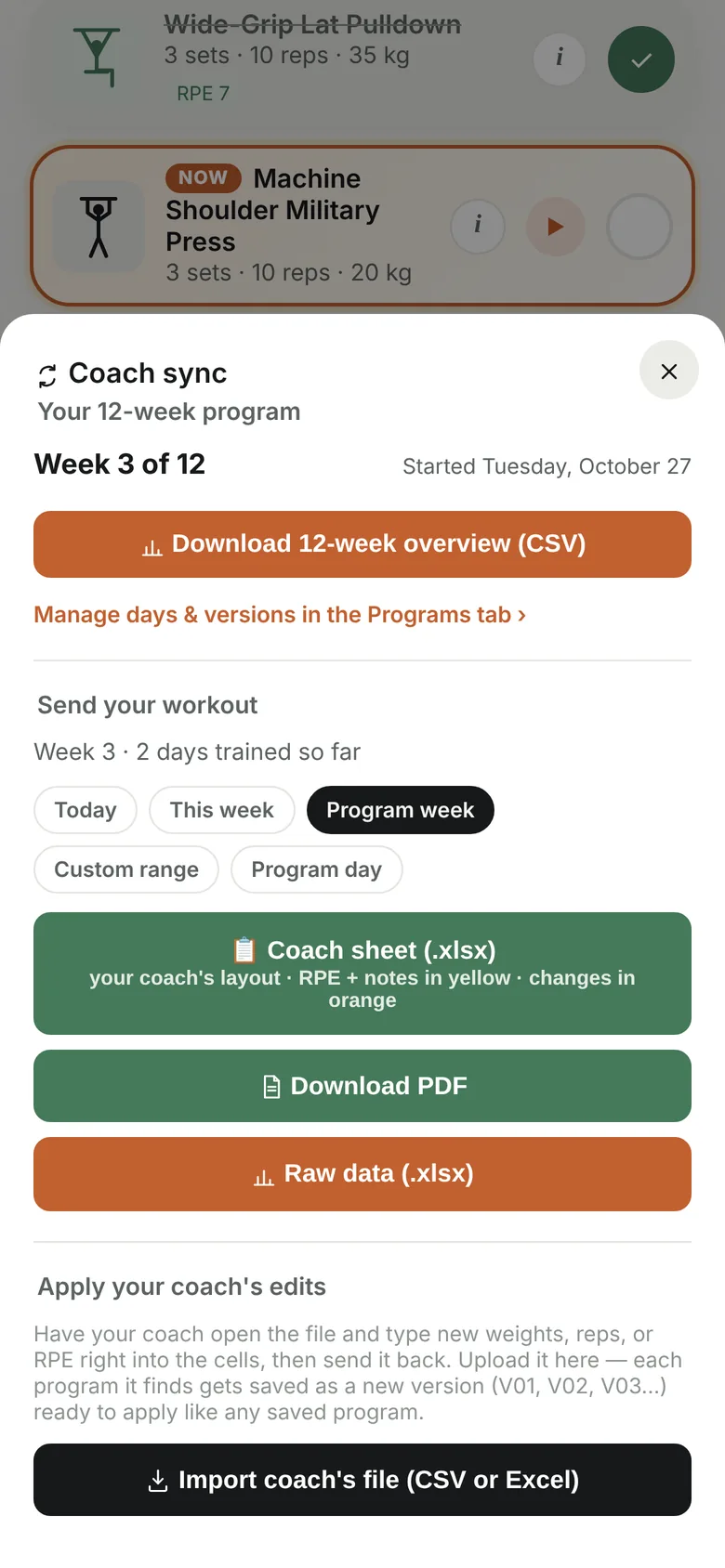
My strength coach plans in Excel. Instead of retyping programs both ways, the app exports a real spreadsheet and reads the coach's edits back in as next week.

Coach sync export sheet
01

Train the week

The days actually trained

02

Export

A real .xlsx with numbers

03

Coach edits

Next week, in Excel

04

Import

A new week version, compared side by side

"My week 1" means the three days I trained, not Monday to Sunday.Exporting the calendar week would have sent the wrong days, so the export follows the program week instead. When every day of the week is done, the app nudges me to sync.

What'sNext

Roadmap

Today the app runs inside Claude, so its data and AI features depend on my Claude account. The plan moves it to its own home first, then onto the phone properly.

Now

Claude artifact

One HTML file, used daily on iPhone

Next

Standalone web app

GitHub, Vercel and Firebase; installable PWA

Then

Photo to macros

Snap a plate, review the estimate, log

Later

iOS & friends

HealthKit steps and shared accounts

Learned

Options before code

Comparing two to four mockups took minutes and saved whole rounds of rework.

Learned

Deterministic first

Meal ideas and search run locally: instant, free and explainable. AI is for judgement calls.

Next time

Test with others sooner

I'm the only daily user so far. A small usability round with other people is the next step.